Top 10 Mylio Business Demos
Quick video answers to the questions teams ask most about organizing, finding, protecting, and sharing photos, videos, and documents.
These short demos highlight the workflows organizations rely on most when managing large media libraries.
Browse the topics below or schedule a live demo if you'd like to discuss your specific workflow.
See the Top 20 Features of Mylio
1
Bring photos, videos, and documents from every device into one searchable library.

2
Flexible Storage (Local, NAS, Cloud Optional
Store originals wherever your organization prefers.
3
Powerful Global Search
Search across keywords, people, text (OCR), and objects instantly.
4
Spaces and Permissions
Give teams access to the right media without risking deletion or chaos.
5
AI-Assisted Smart Tags
Use on-device AI to jump-start organization across thousands of images.
6
Albums and Shareable Web Links
Share curated collections without exposing your full archive.
7
Face Recognition and People View
Automatically group and surface all photos of a person.
8
Document and PDF Support with OCR
Search inside documents and scanned files the same way you search photos.
9
Map and Calendar Views
Explore your media by location or timeline.
10
Professional Metadata Editing
Manage keywords, captions, and structured metadata with ease.
11
Favorites, Ratings, and Quick Filters
Surface your best work instantly.
12
Folder Preservation with Flexible Organization
Keep your folders. Add superpowers.
13
Batch Editing and Bulk Actions
Fix thousands of photos in minutes.
14
DeDupe and DeClutter Tools
Clean up your archive without breaking it.
15
Cross-Platform Support
One library. Every device.
16
Offline Access and Sync
Your library works even without Wi-Fi.
17
Optimized vs Original Files
See everything. Store originals where they belong.
18
Built-In Backup Strategy
A real backup plan, not hope.
19
Remove From Catalog vs Delete
Nothing disappears unless you say so.
20
Human Onboarding and Live Support
Software plus real humans.
Top 10 Mylio Business Demos
Feature 01
Unified Library Across All Devices
Stop searching five places for one photo.
How does Mylio bring photos, videos, and documents together into one library?
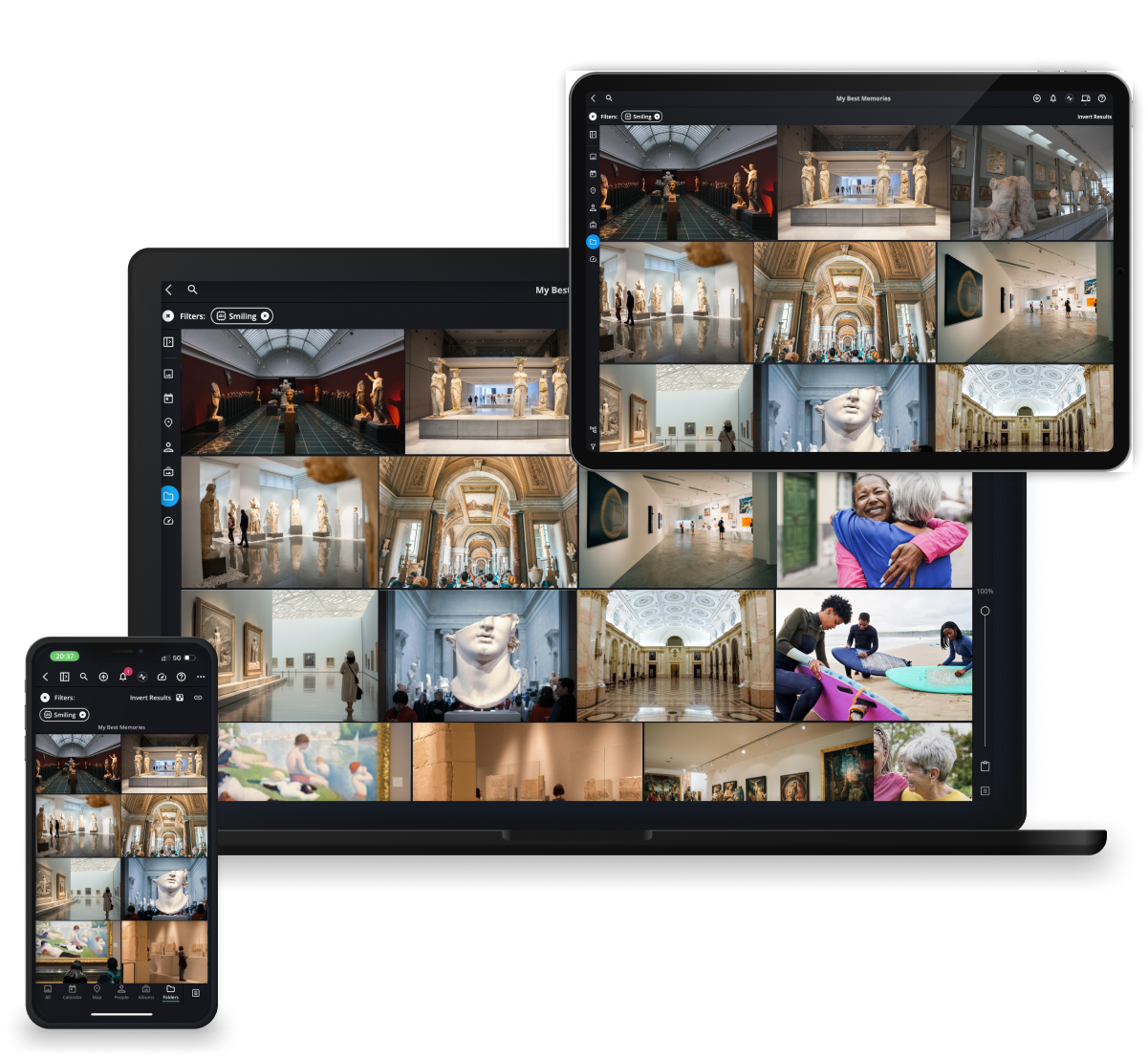
Mylio creates a single synchronized library across phones, laptops, desktops, and tablets. Instead of managing separate collections across drives, cloud services, and devices, everything appears in one unified view.
Why it matters
Most organizations accumulate media across multiple devices and storage locations over time. A unified library eliminates fragmentation and gives teams one place to browse, search, and organize their media.
What you’ll see in this demo
- One media library across multiple devices
- How syncing keeps the library consistent everywhere
Feature 02
Flexible Storage (Local, NAS, Cloud Optional)
Your files. Your storage. Your rules.
Do we have to move everything into one cloud platform?
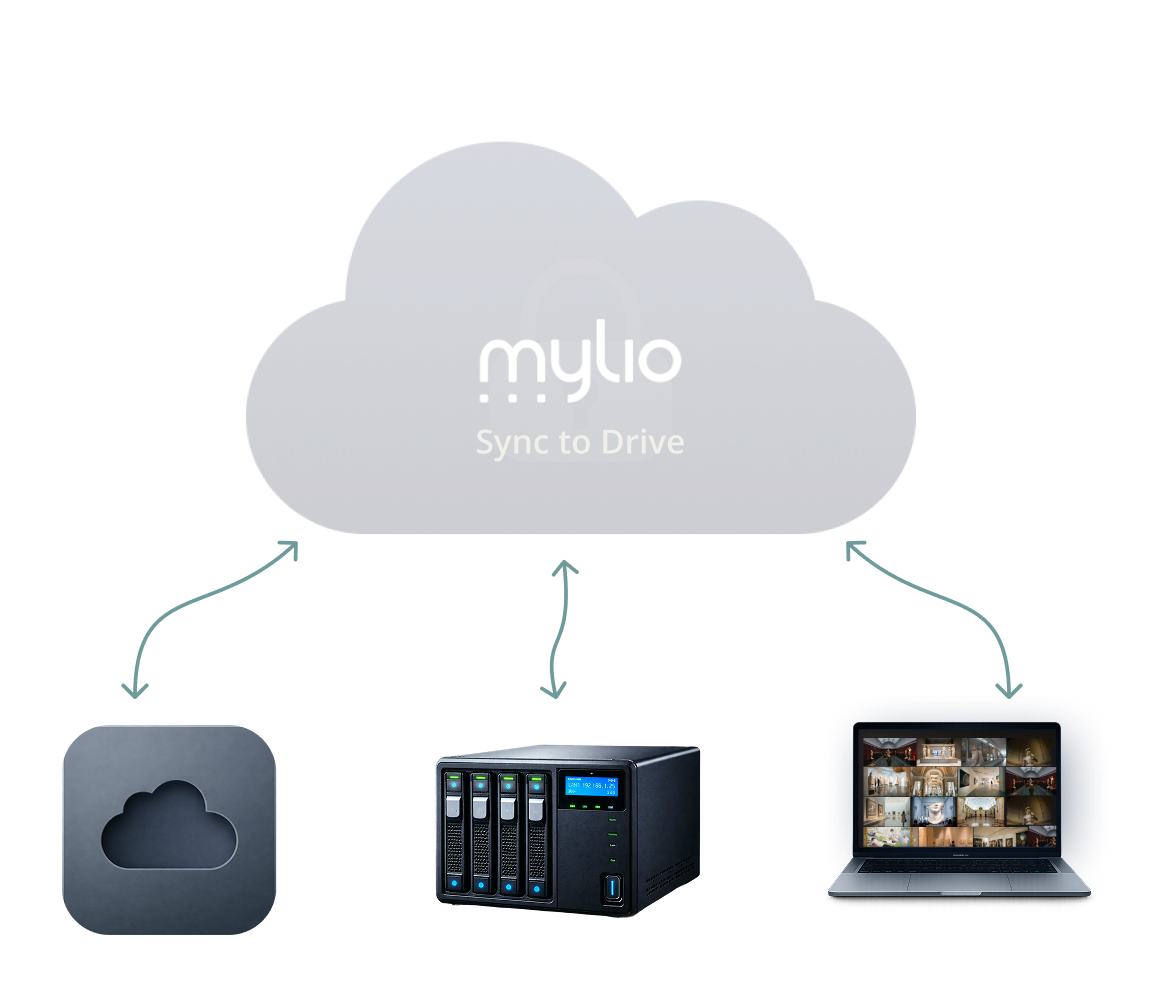
No. Mylio works with local drives, external drives, servers, NAS systems, and optional cloud storage.
Why it matters
Organizations can maintain full control over where their original files live while still benefiting from a unified media library.
What you’ll see in this demo
- Connecting existing storage locations
- Building a flexible archive strategy
Feature 03
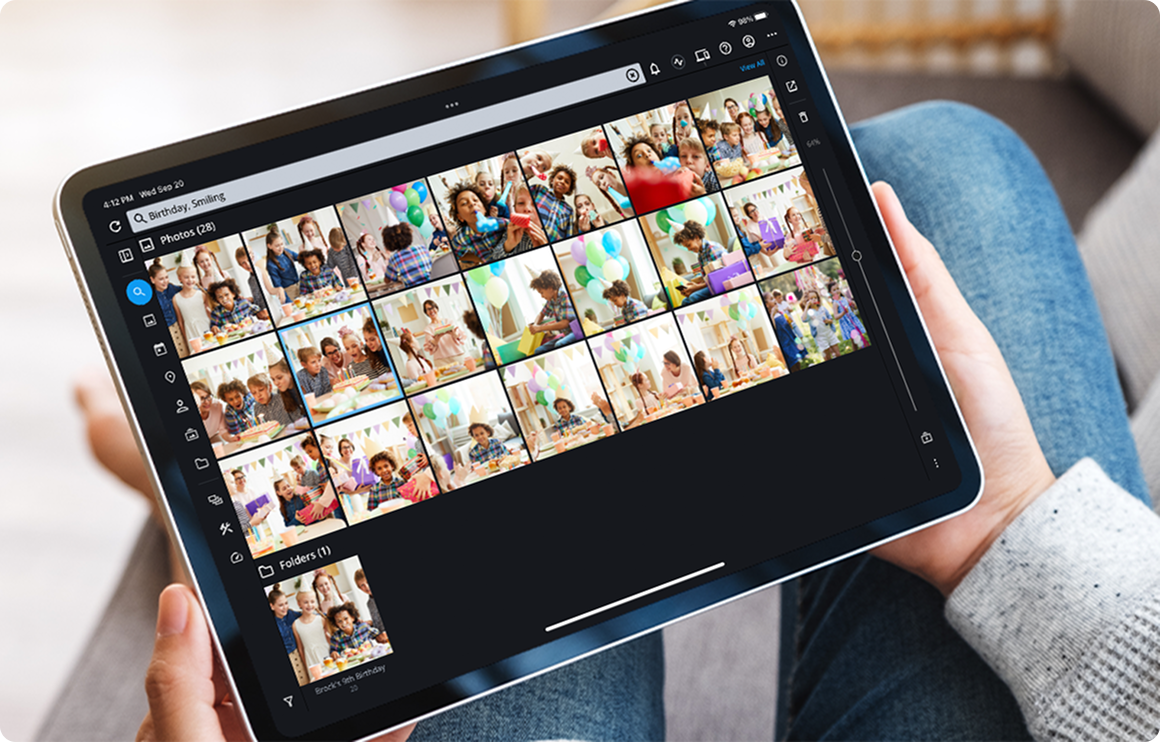
Powerful Global Search
Find anything in seconds.
How can we quickly locate specific assets across a large media library?
Mylio allows users to search across keywords, people, text (OCR), objects, and metadata simultaneously.
Why it matters
As media libraries grow into tens or hundreds of thousands of files, traditional folder browsing becomes slow and inefficient.
What you’ll see in this demo
- Searching across keywords, people, and objects
- Finding assets instantly with OCR and metadata
Feature 04
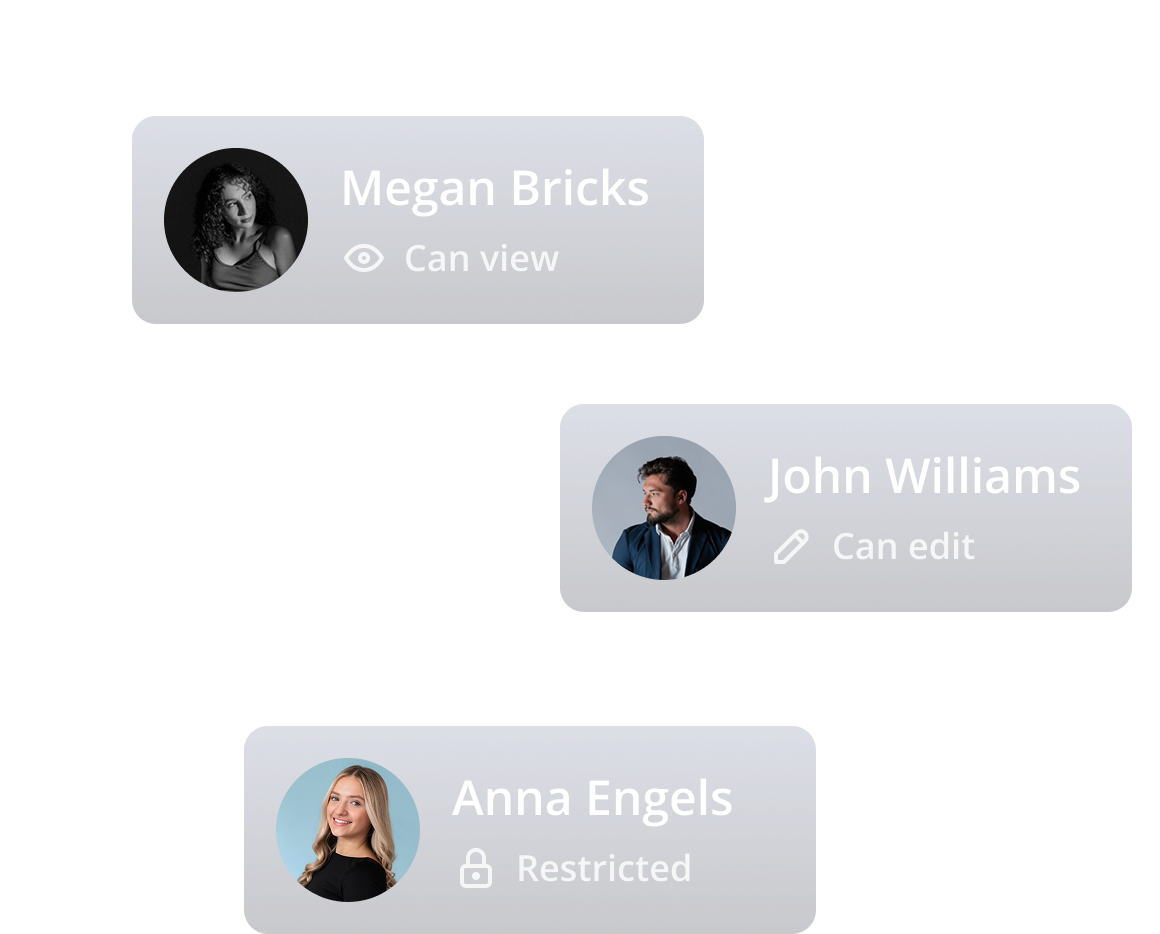
Spaces and Permissions
Give access without giving up control.
Can different teams or contributors have different levels of access?
Mylio Business allows administrators to create Spaces and assign permissions so users only see the content relevant to their role.
Why it matters
Organizations often need shared access without risking accidental edits, deletions, or organizational chaos.
What you’ll see in this demo
- Creating Spaces for teams or projects
- Assigning controlled levels of access
Feature 05
AI-Assisted Smart Tags
AI gives you a head start. You stay in control.
Can AI help organize large libraries of photos?
Mylio uses on-device AI to recognize common objects and scenes in photos.
What its not
Smart Tags are not a replacement for intentional keywording and metadata.
Why it matters
When importing thousands of photos, AI tagging can dramatically speed up the early stages of organization.
What you’ll see in this demo
- Filtering photos using AI-generated tags
- Combining Smart Tags with search and filters

Feature 06
Albums and Shareable
Web Links
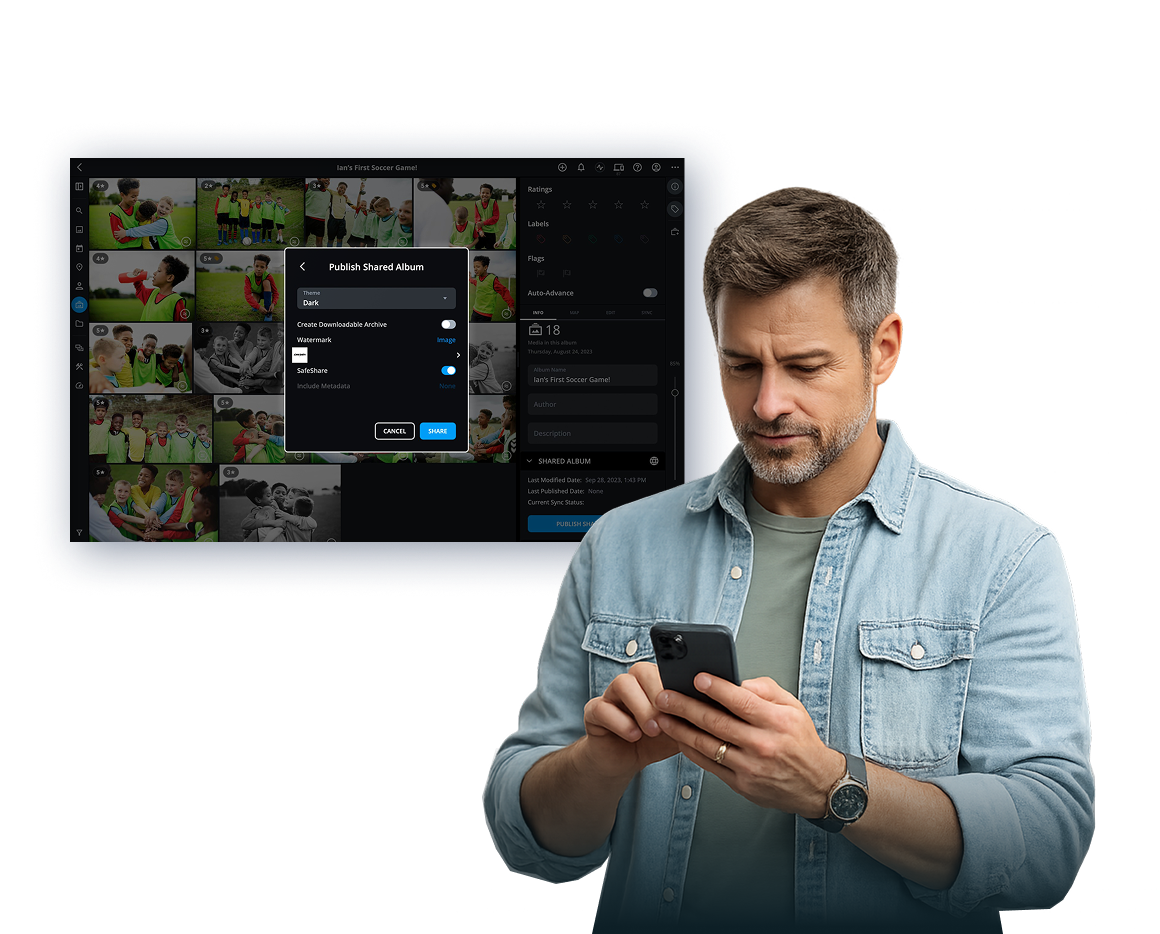
Share in seconds. No app required.
Can we share selected photos without giving access to the entire library?
Mylio allows users to curate albums and publish them as simple web links.
Why it matters
Organizations often need to deliver images to clients, partners, or colleagues without exposing the entire media library.
What you’ll see in this demo
- Creating a curated album
- Sharing it through a web link
Feature 07
Face Recognition and People View
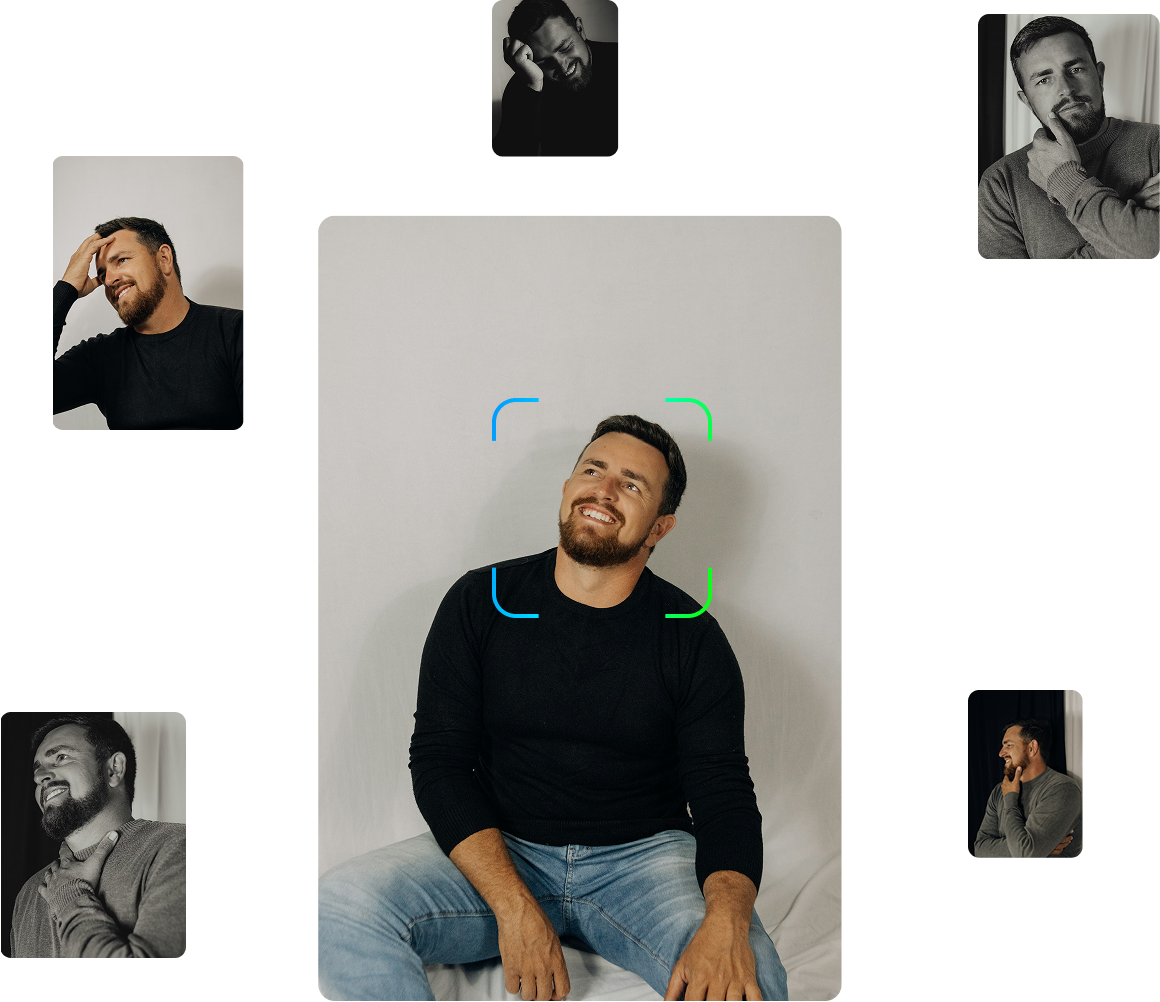
Every photo of this person, instantly.
Can Mylio automatically group photos of the same person?
Mylio uses face recognition to identify and group photos of the same individual across your library.
Why it matters
This makes it easy to surface every photo of a person instantly.
What you’ll see in this demo
- Automatically grouping images of the same person
- Finding every photo of someone in seconds
Feature 08
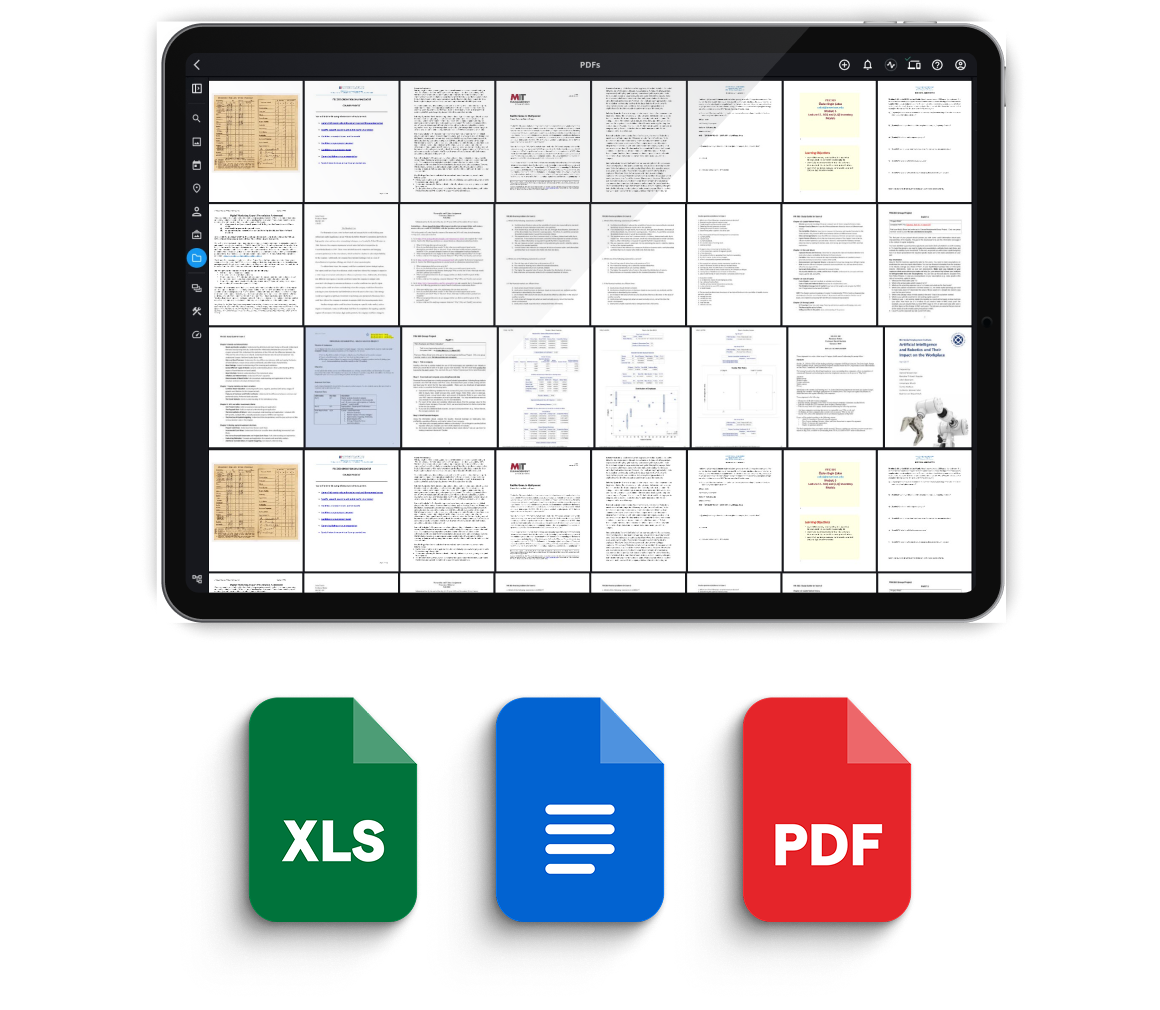
Document and PDF Support with OCR
Search inside your documents like magic.
Can Mylio manage documents alongside photos and videos?
Mylio supports documents and PDFs and allows users to search inside those files using OCR.
Why it matters
Organizations often store photos alongside supporting materials like permits, reports, and contracts.
What you’ll see in this demo
- Adding documents and PDFs
- Searching text inside files
Feature 09
Map and Calendar Views
Explore your history by place or time.
Is there an easier way to explore a large library?
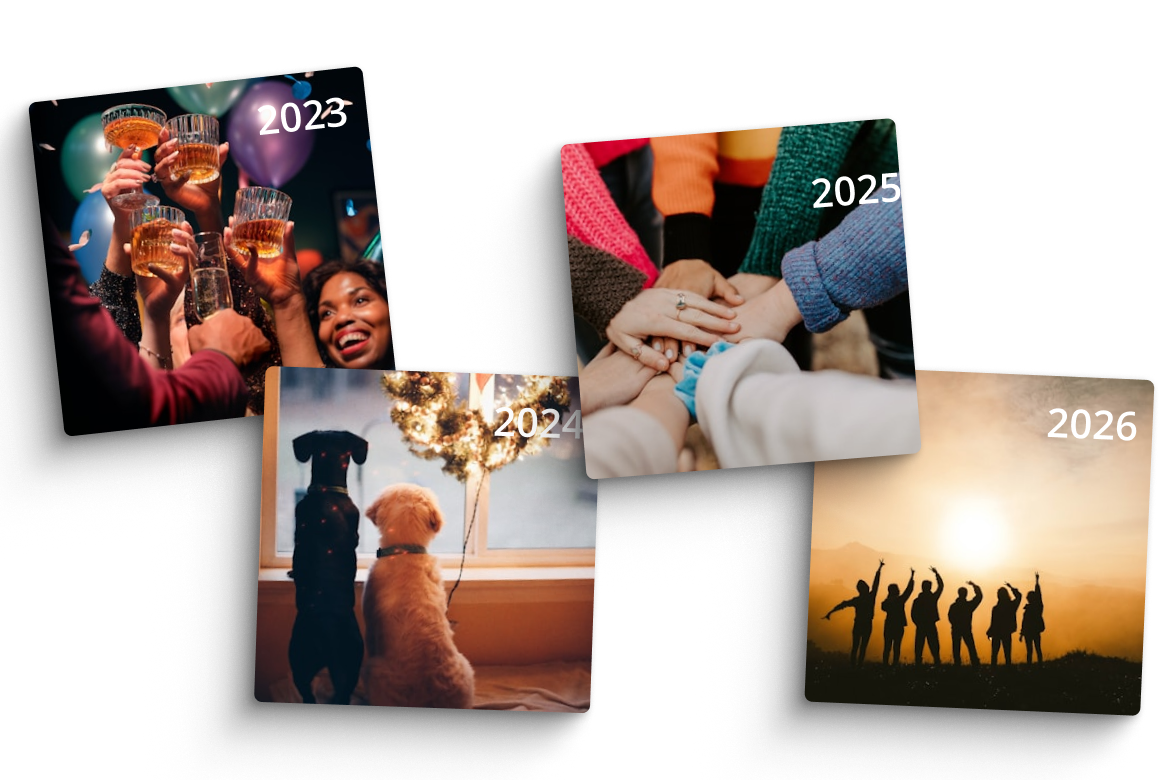
Mylio includes Map and Calendar views that allow users to browse media visually by location or timeline.
Why it matters
Visual navigation helps users rediscover photos quickly.
What you’ll see in this demo
- Browsing photos by geographic location
- Navigating events on the timeline
Feature 10
Professional Metadata Editing
Professional metadata without enterprise complexity.
Can we manage keywords, captions, and structured metadata?
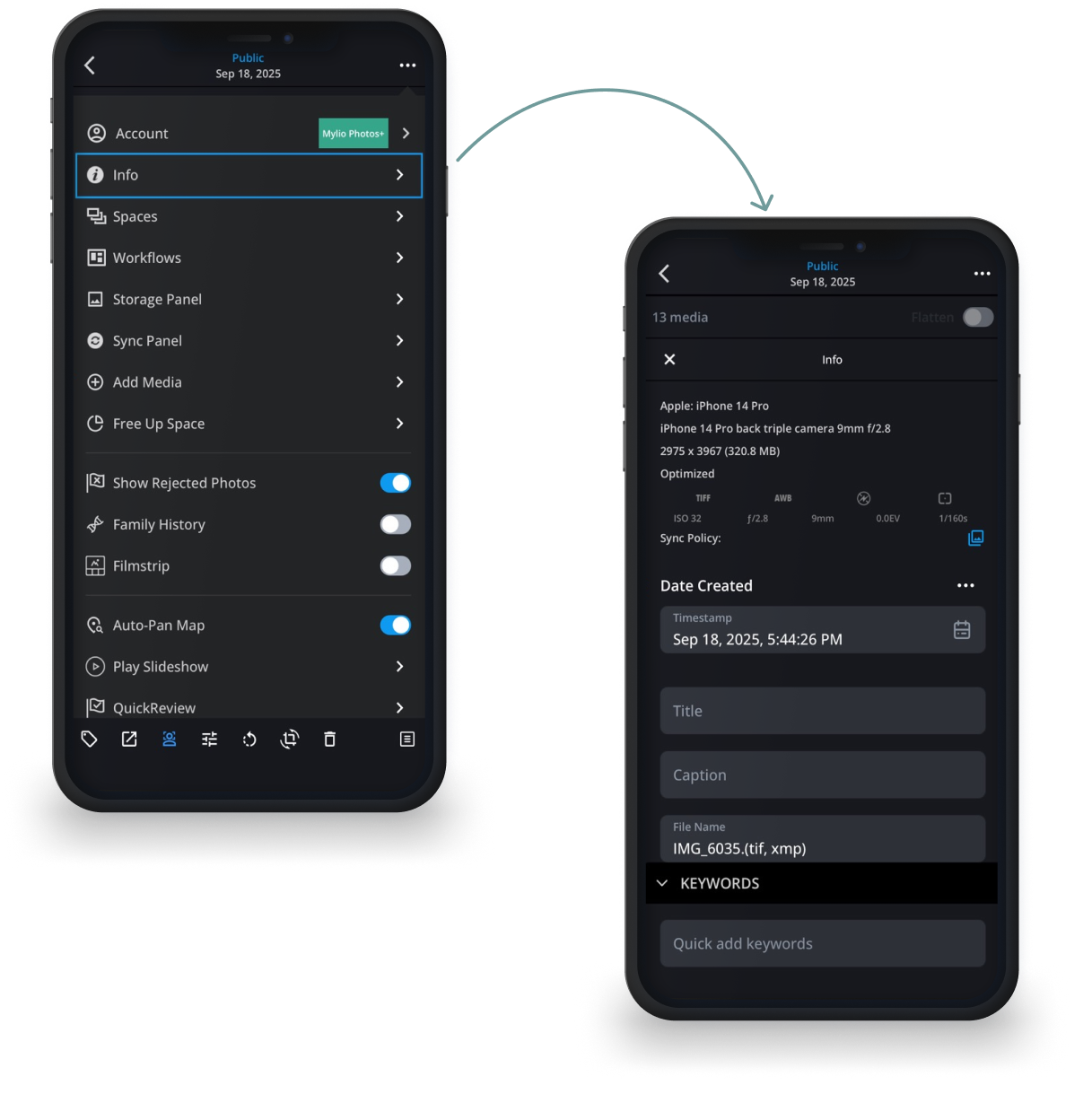
Mylio allows users to edit metadata including keywords, captions, ratings, and structured fields used by professional media workflows.
Why it matters
Metadata is essential for archivists, marketing teams, architects, and organizations that need long-term control over their media.
What you’ll see in this demo
- Editing keywords and captions
- Applying metadata to organize assets
Feature 11
Favorites, Ratings, and Quick Filters
Surface your best work instantly.
How can teams quickly find their strongest images?
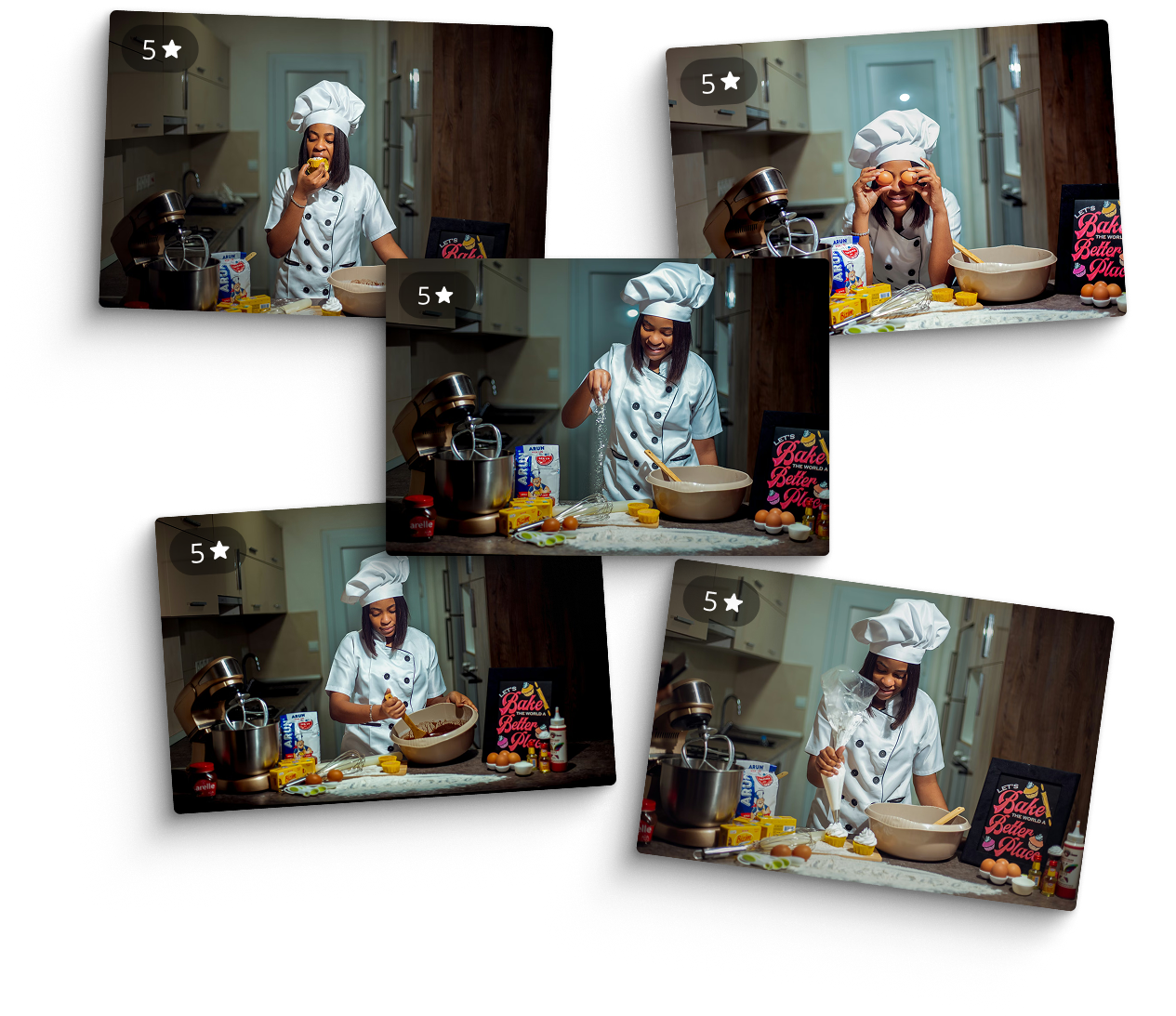
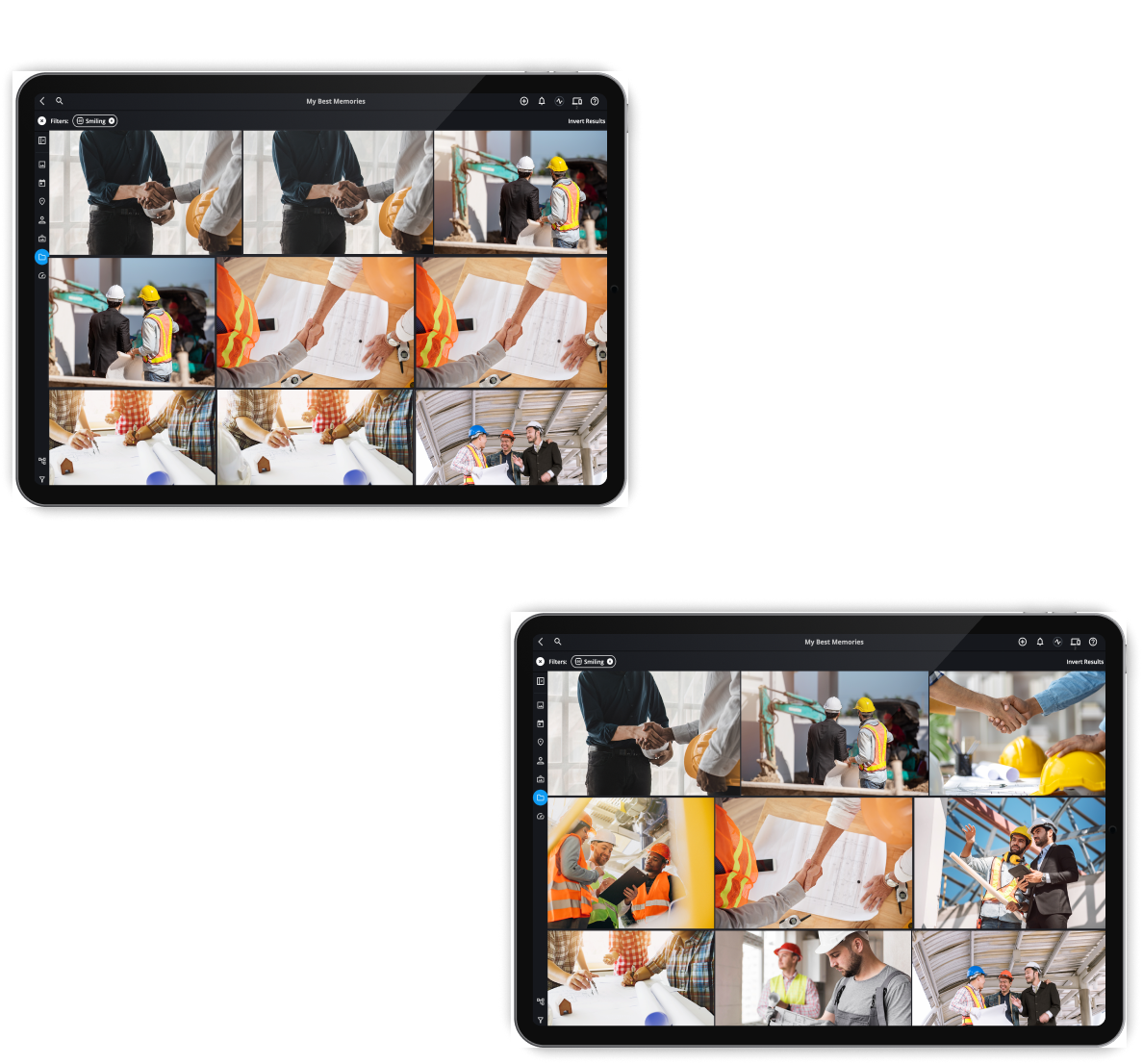
Mylio allows users to mark favorites, apply star ratings, and filter libraries instantly to highlight the most valuable assets.
Why it matters
Marketing teams, proposal writers, and presenters often need to locate their best images quickly. Filters make it easy to surface top content in seconds.
What you’ll see in this demo
- Flagging favorites and applying star ratings
- Filtering a library to reveal top images instantly
Feature 12
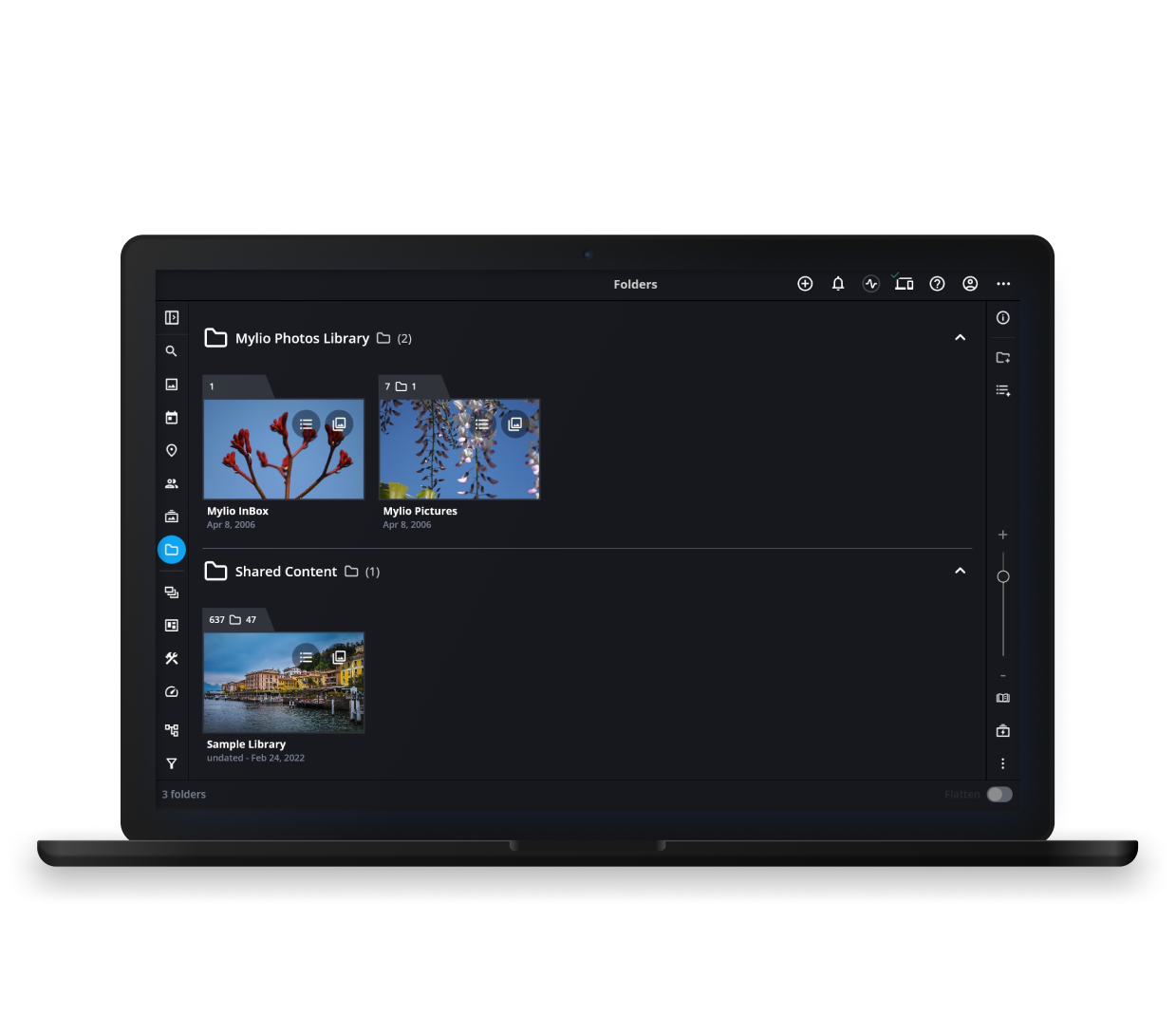
Folder Preservation with Flexible Organization
Keep your folders. Add superpowers.
Will Mylio force us to reorganize our existing folders?
No. Mylio preserves your existing folder structure while adding powerful search, filtering, and metadata capabilities on top.
Why it matters
Organizations can improve discoverability and organization without disrupting established workflows or retraining teams.
What you’ll see in this demo
- Linking existing folder structures
- Organizing media without moving files
Feature 13
Batch Editing and Bulk Actions
Fix thousands of photos in minutes.
Can we apply changes across many files at once?
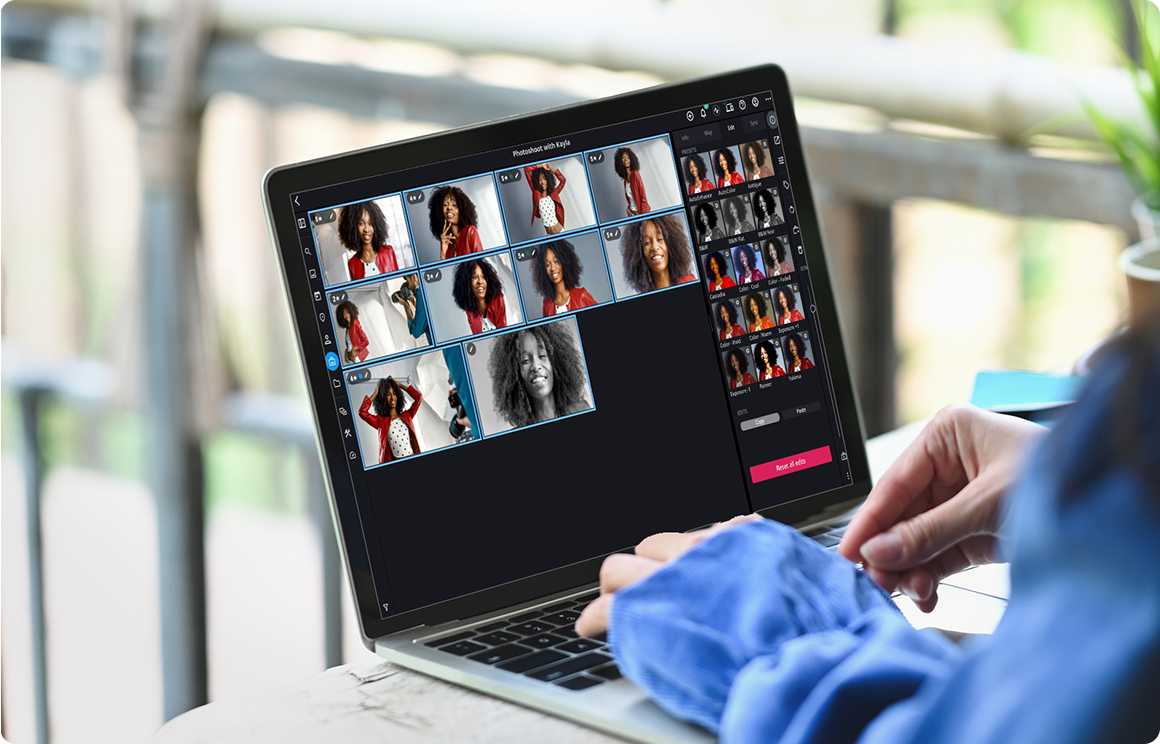
Yes. Mylio allows users to apply metadata, ratings, keywords, and edits across hundreds or thousands of files simultaneously.
Why it matters
Manual editing becomes impractical when managing large media archives. Batch tools allow teams to organize libraries dramatically faster.
What you’ll see in this demo
- Selecting large groups of photos
- Applying metadata changes across many files
Feature 14
DeDupe and DeClutter Tools
Clean up your archive without breaking it.
How can we safely remove duplicate files?
Mylio includes tools that detect and manage duplicate photos without risking the integrity of the archive.
Why it matters
Large libraries often accumulate duplicate files through imports, backups, and shared drives. DeDupe tools help reduce clutter while preserving original assets.
What you’ll see in this demo
- Detecting duplicate photos
- Safely removing redundant files
Feature 15
Cross-Platform Support
One library. Every device.
Can teams use Mylio across different operating systems?
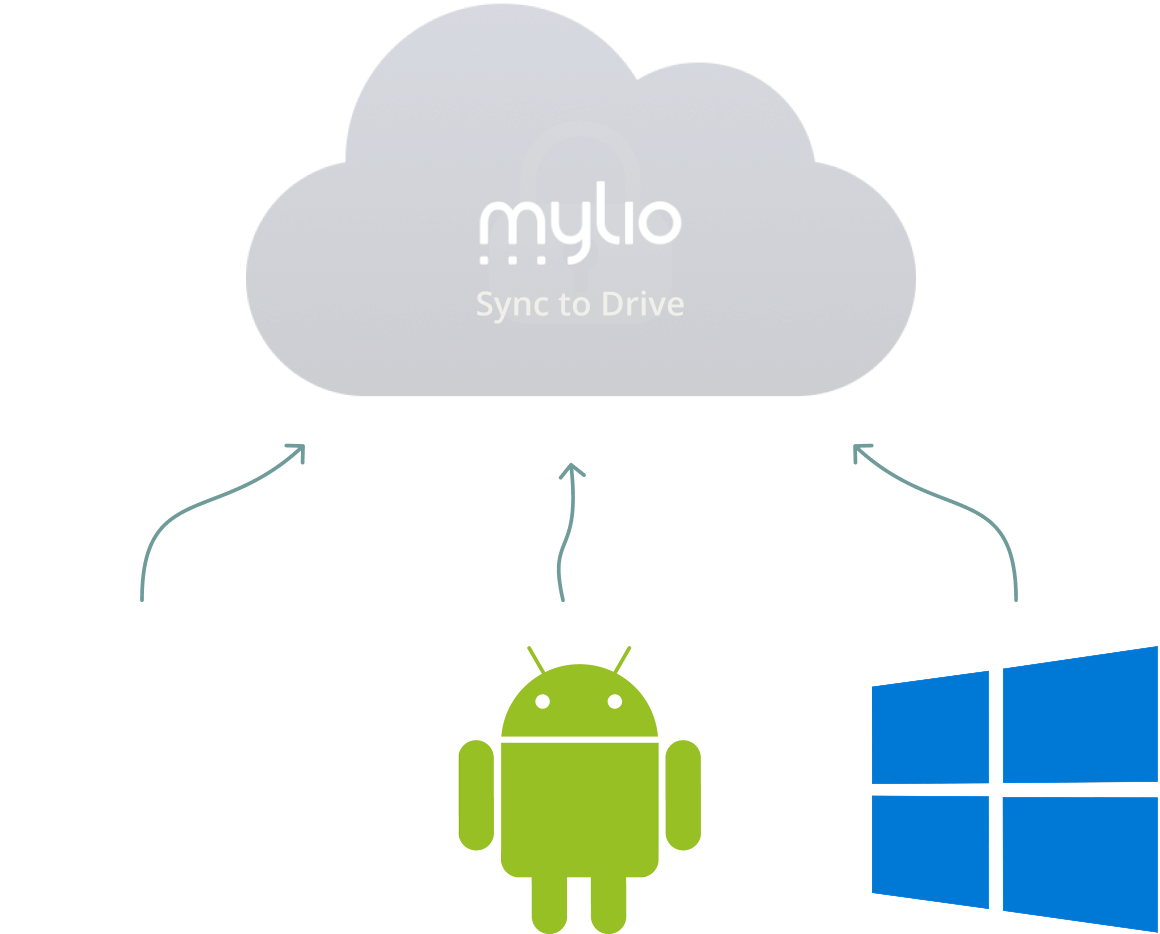
Yes. Mylio works across Mac, Windows, iOS, and Android devices while maintaining a single synchronized library.
Why it matters
Many organizations use mixed-device environments. Cross-platform support ensures everyone can access the same archive.
What you’ll see in this demo
- Accessing the same library across devices
- Working across different operating systems
Feature 16
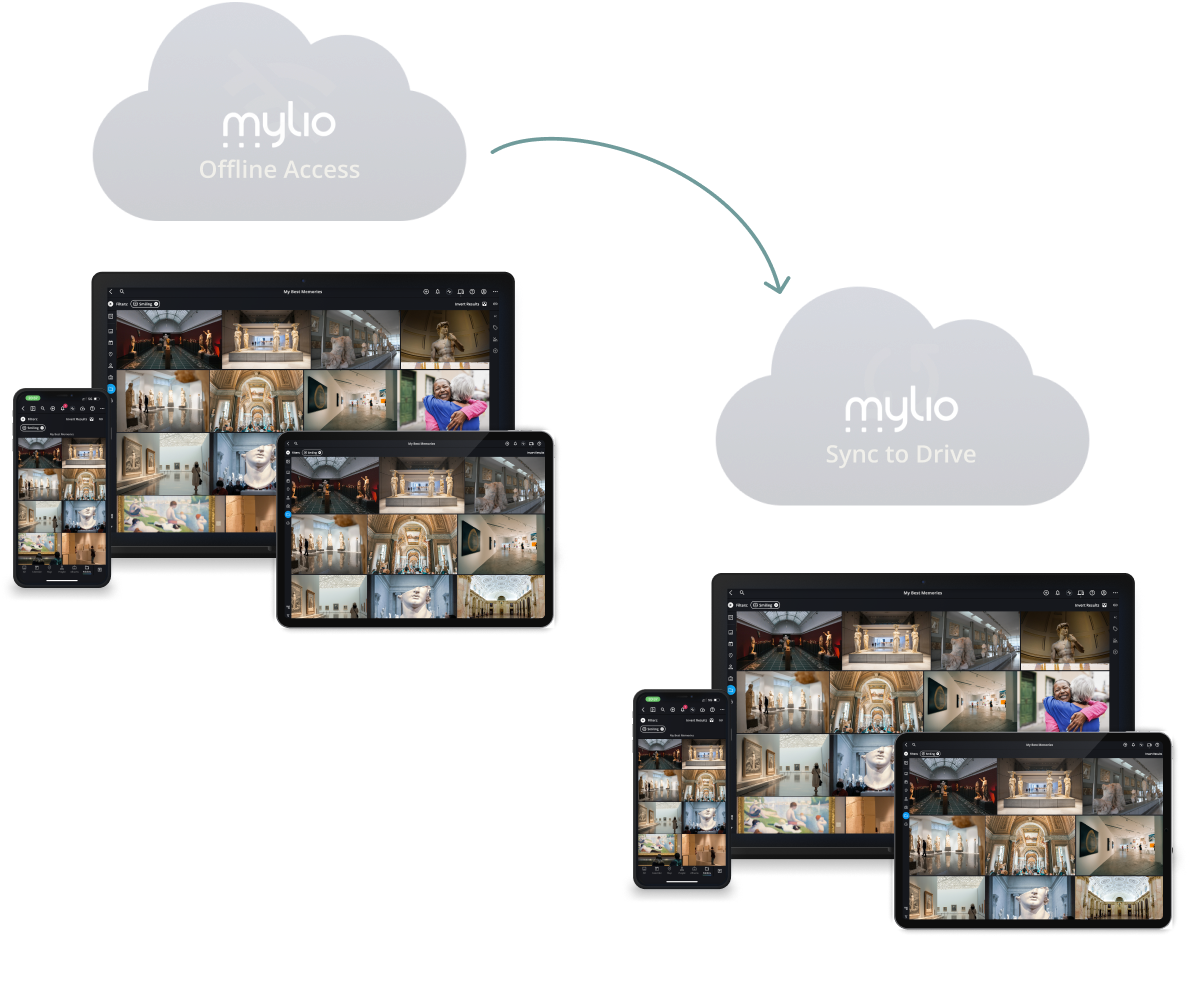
Offline Access and Sync
Your library works even without Wi-Fi.
Your library works even without Wi-Fi.
No. Mylio allows users to browse and manage their libraries offline, syncing changes automatically once devices reconnect.
Why it matters
Field teams, travel scenarios, and remote work environments often require access to media without reliable internet.
What you’ll see in this demo
- Browsing media offline
- Syncing changes when devices reconnect
Feature 17
Optimized vs Original Files
See everything. Store originals where they belong.
How can teams access media everywhere without storing huge files on every device?
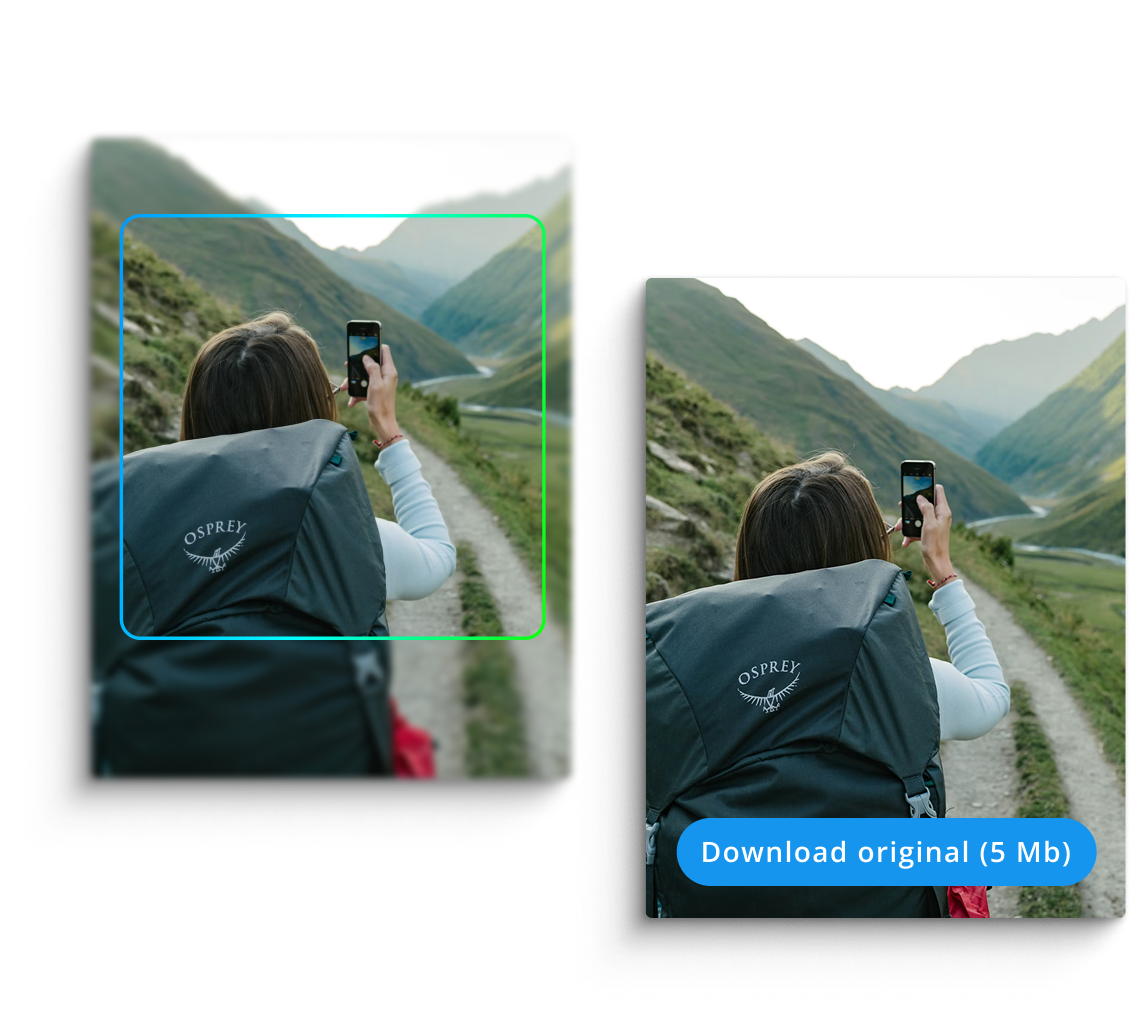
Mylio creates lightweight optimized versions of files for fast browsing while protecting original files in designated vault locations.
Why it matters
This approach allows organizations to keep massive archives accessible without filling every device with large original files.
What you’ll see in this demo
- Viewing optimized previews across devices
- Downloading original files when needed
Feature 18
Built-In Backup Strategy
A real backup plan, not hope.
How does Mylio protect your media archive?
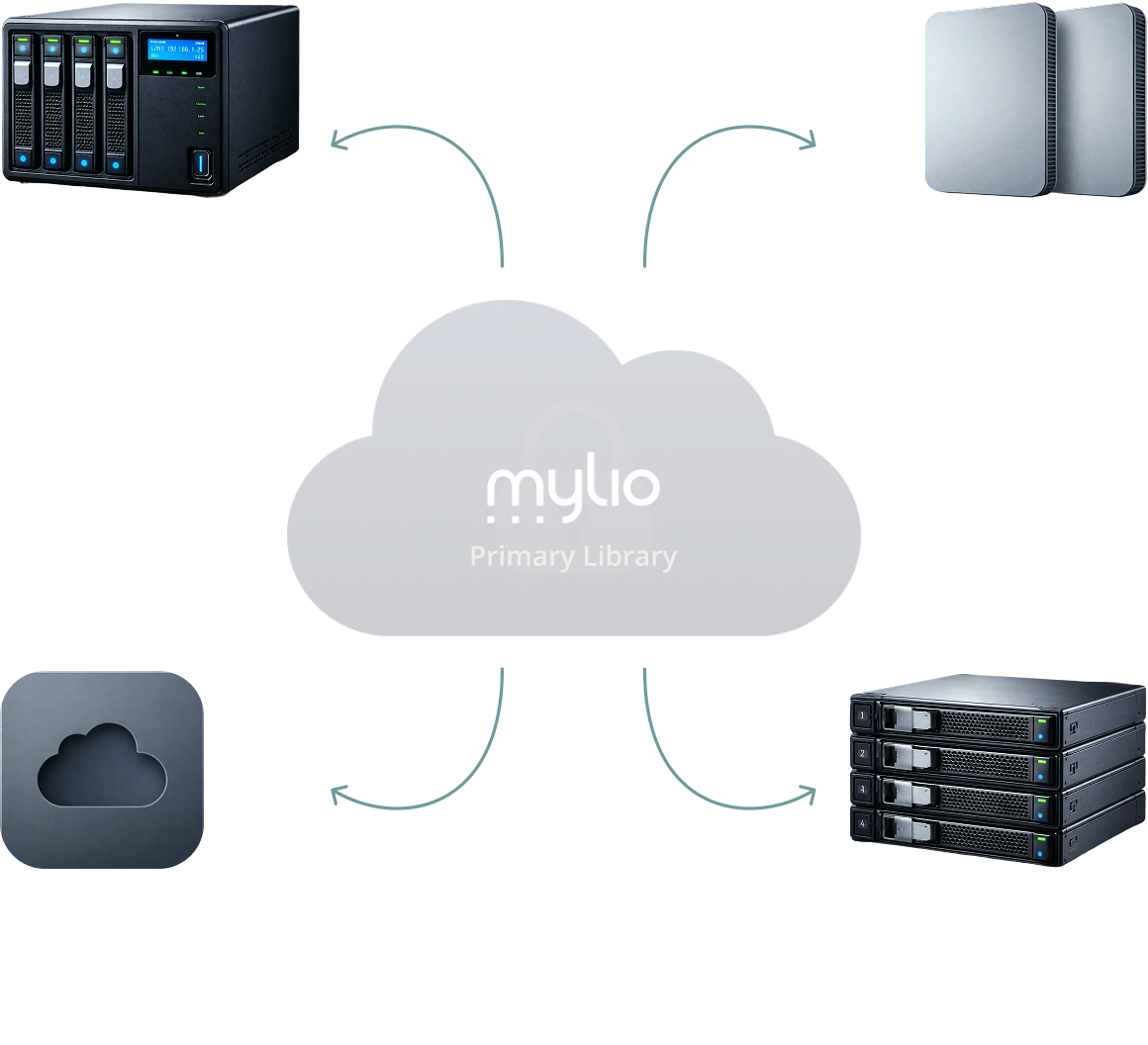
Mylio supports multiple vault locations so organizations can maintain redundant backups of their original files.
Why it matters
Media archives are often mission-critical assets. Multiple vaults help protect against device failure, human error, or hardware loss.
What you’ll see in this demo
- Creating multiple vault backups
- Building a resilient archive strategy
Feature 19
Remove From Catalog
vs Delete
Nothing disappears unless you say so.
What happens when someone removes a file?
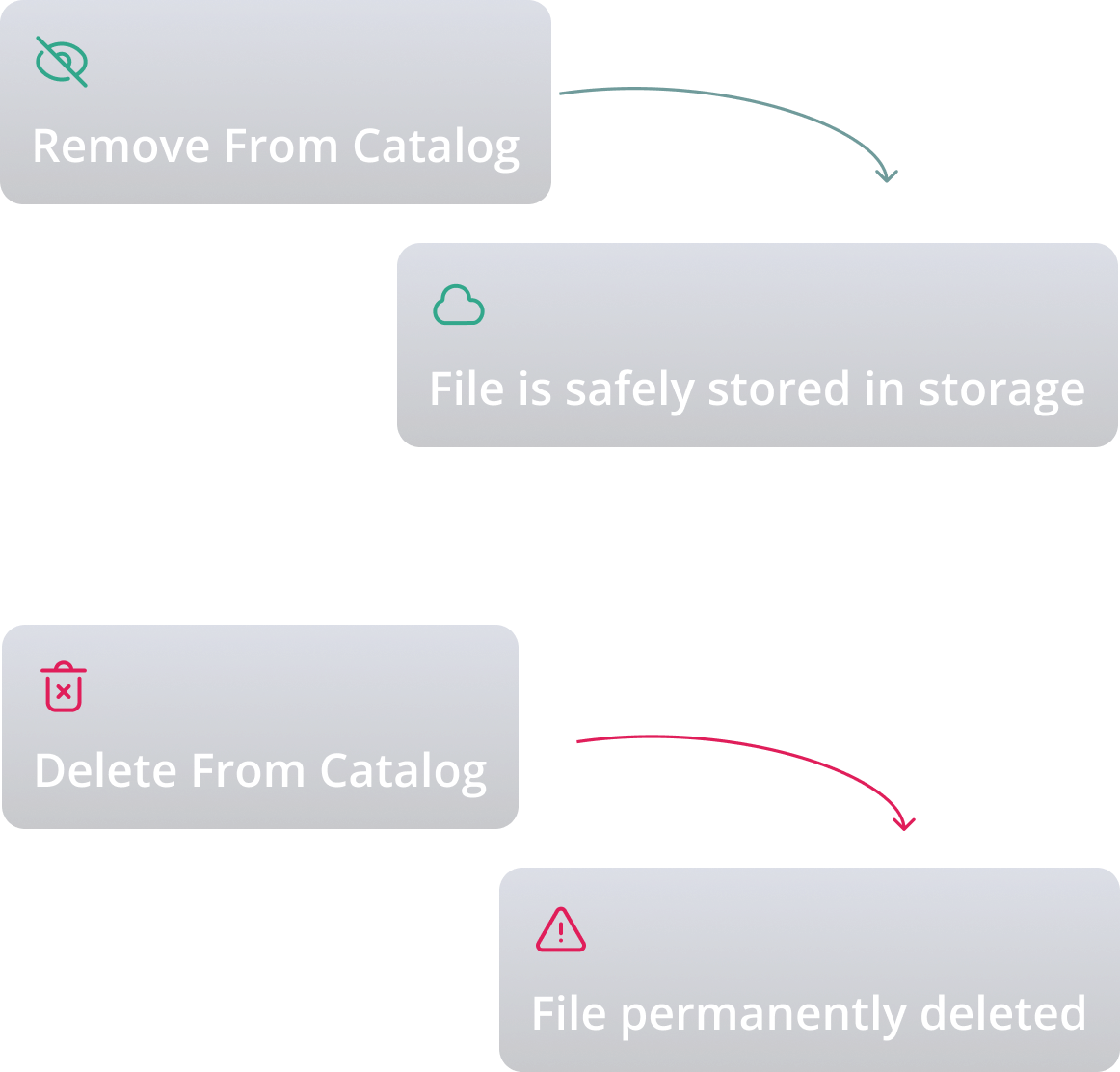
Removing a file from the catalog only removes it from the library view. The original file remains safely stored unless it is intentionally deleted.
Why it matters
This separation prevents accidental data loss and builds confidence when managing large media archives.
What you’ll see in this demo
- Removing files safely from the catalog
- Understanding when files are actually deleted
Feature 20
Human Onboarding and Live Support
Software plus real humans.
What support is available when implementing Mylio?
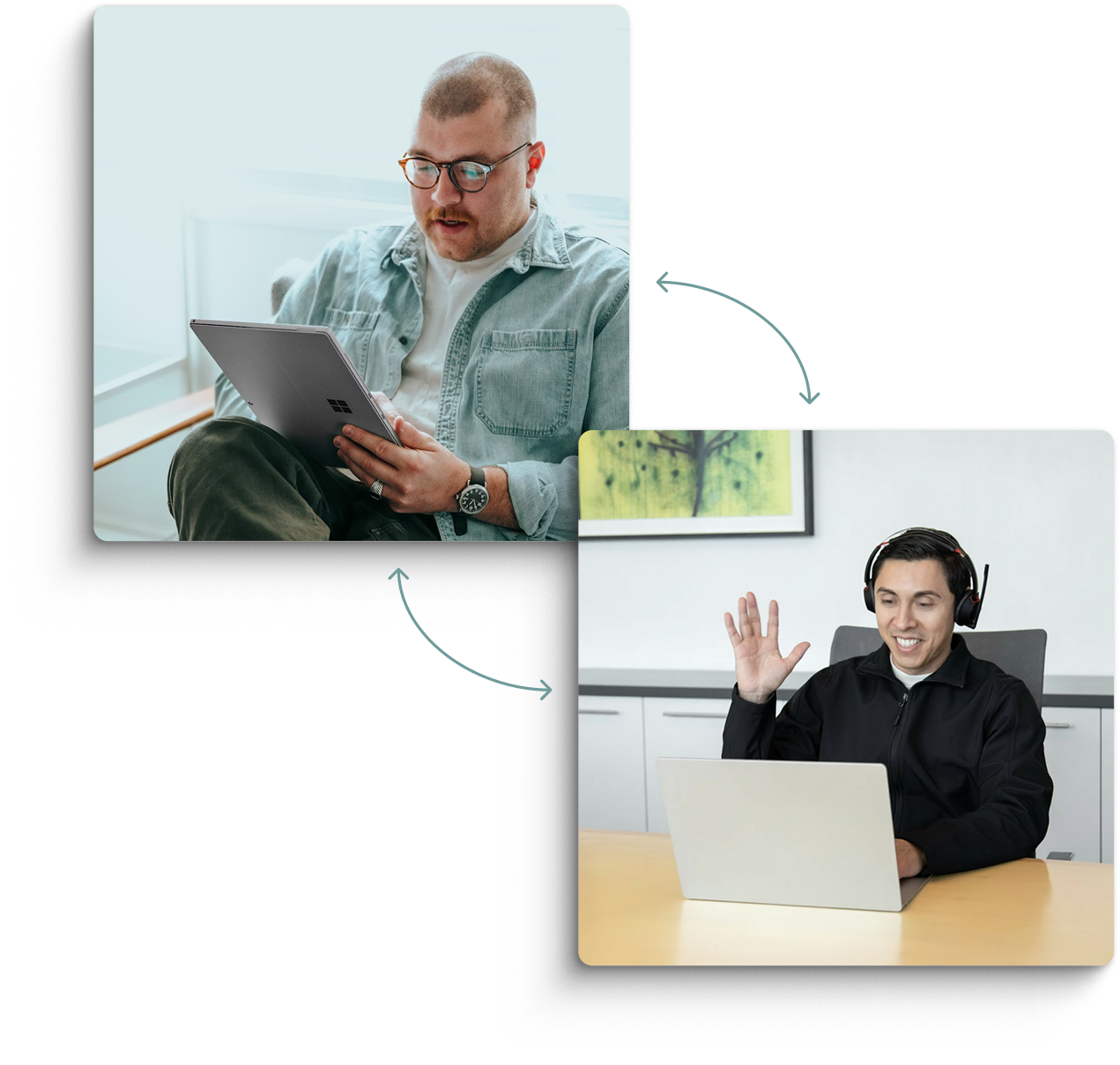
Mylio provides onboarding sessions and direct support from experienced experts who help organizations design their media workflows.
Why it matters
Implementation is much smoother when teams receive guidance on structure, permissions, and storage strategy from real people.
What you’ll see in this demo
- How onboarding works
- What support looks like
Still have questions?
Every organization manages media a little differently.
If you'd like to talk through your storage setup, archive structure, or team workflow, we're happy to walk through it with you.
Featured in