
Photo Management Software for Nonprofit Teams
Nonprofit Photo Management Software for Programs, Events, and Fieldwork
Create a centralized media library for your nonprofit team
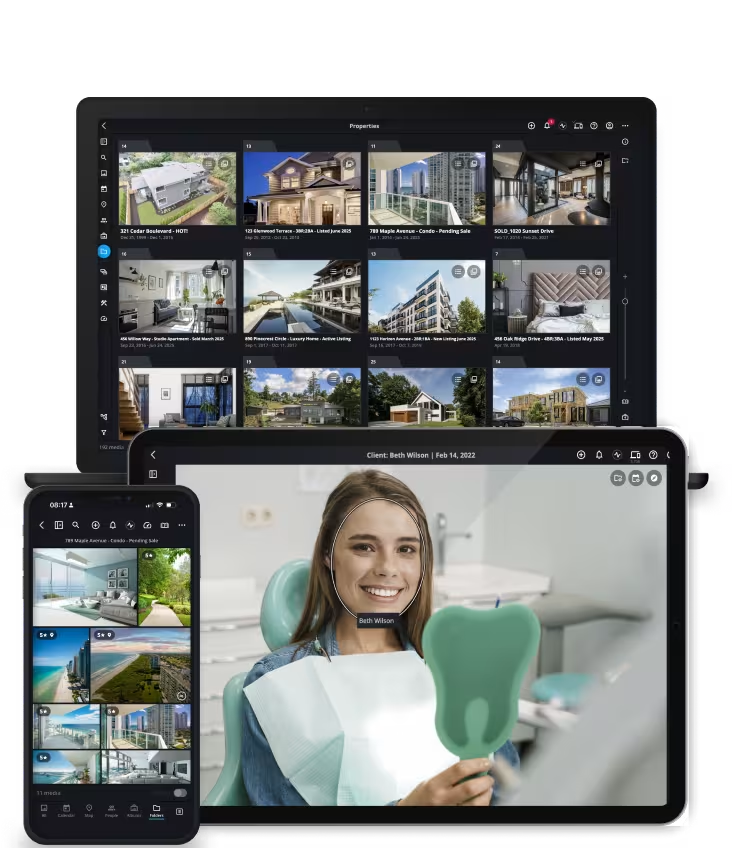
See how nonprofits organize and find photos in this brief video
This short walkthrough shows how you’ll consolidate photos, organize them by program or location, and instantly retrieve images for reports, fundraising, and social media.
Designed for Nonprofit Organizations

Centralize photos and videos from programs, events, volunteers, and fieldwork in one searchable nonprofit media library

Give communications teams instant access to approved images for reports, fundraising campaigns, newsletters, and social media

Enable staff and volunteers to safely contribute photos while protecting the organization’s long-term visual archive
Distributed Assets Slow Nonprofit Teams
Nonprofit photos are often scattered across staff phones, shared drives, cloud folders, and external hard drives. Images from programs, events, and fieldwork quickly become difficult to locate.
Without a unified system, teams waste time searching for photos when preparing reports, fundraising campaigns, newsletters, and social media content.
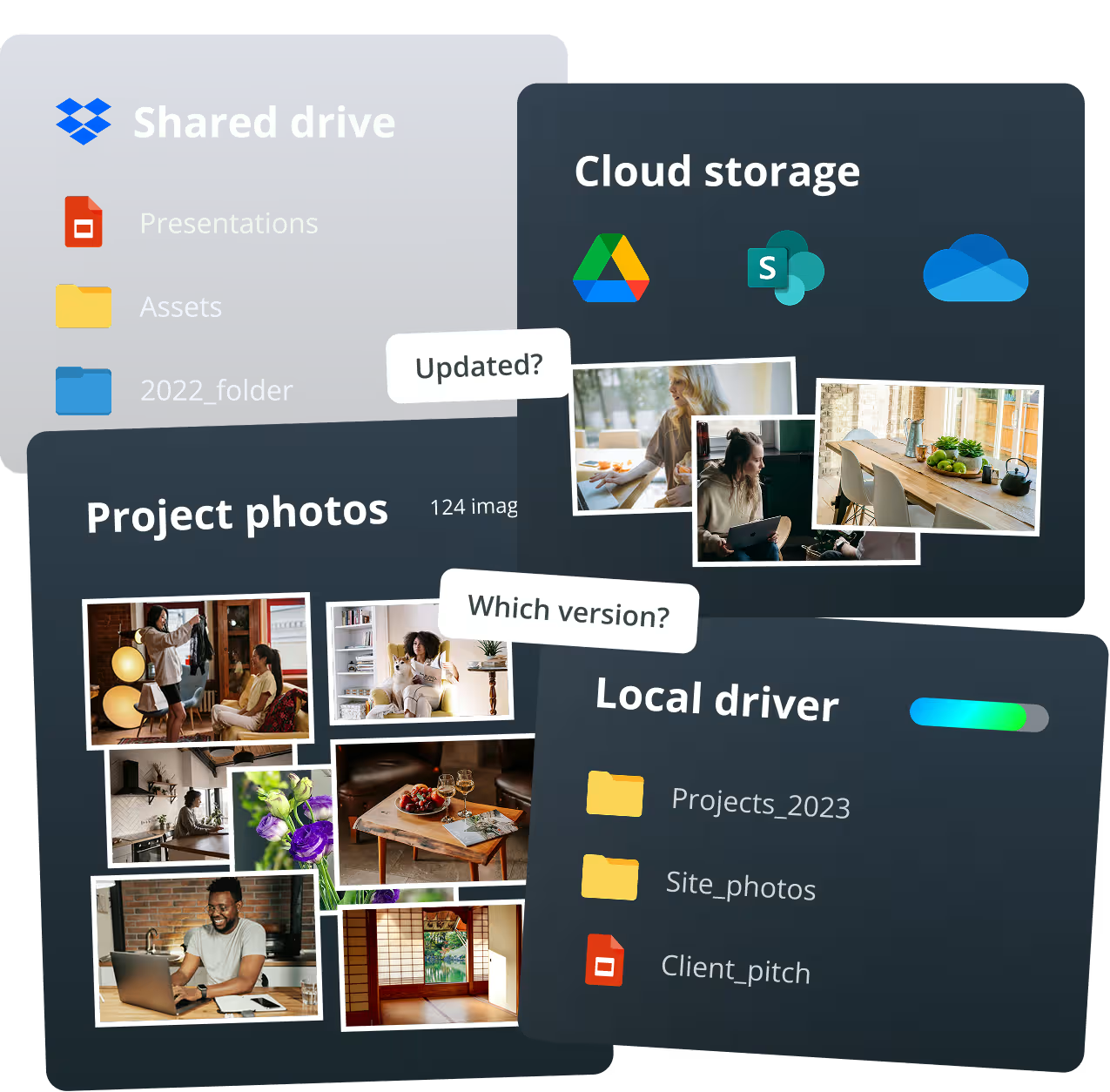
Consolidate. Control. Deploy.
CONSOLIDATE all your visual assets in one unified library
Multiple sources and devices, all synchronized.
DEPLOY product media to every rep instantly
Deploy photos, videos, and business documents across every device – online or offline.
Top 5 Questions Nonprofits Ask About Photo Management
Common questions nonprofit teams ask when organizing and managing large photo libraries.
Top 5 Video Feature Demos
These short demos show how nonprofit teams organize photos, manage media libraries, and quickly retrieve images for fundraising, reporting, and communications.
Feature 01
AI Smart Tags
What it is
Mylio automatically analyzes photos and applies AI-generated tags based on what appears in the image.
Why it matters
Nonprofit teams often manage thousands of photos from programs, events, and field work. Smart Tags help staff quickly locate images of things like people, animals, water, or outdoor environments without manually tagging every photo.
Feature 02
Spaces and Permissions for Teams
What it is
Spaces allow administrators to control what different staff members can see inside the media library.
Why it matters
Communications teams, program managers, and leadership often need access to different parts of the library. Spaces allow nonprofits to give teams the media they need while protecting the rest of the archive.
Feature 03
Flexible Storage
What it is
Mylio allows nonprofits to store original files on external drives, office servers, or cloud backup services while managing everything through one unified catalog.
Why it matters
Many nonprofits already store media across multiple drives and cloud platforms. Mylio organizes those assets without forcing organizations to move everything into a new storage system.
Feature 04
Map View and Location-Based Organization
What it is
Map View allows teams to browse photos based on where they were captured.
Why it matters
Nonprofits often operate across multiple program locations. Map View makes it easy to explore photos from specific regions, projects, or field sites.
Feature 05
Shared Albums for Partners and Donors
What it is
Shared Albums allow nonprofits to create web galleries that can be sent to partners, donors, or stakeholders using a simple link.
Why it matters
Teams can quickly share event photos, program documentation, or storytelling images without sending large files or requiring recipients to install software.
Support and community

Get started today
Guided onboarding. Live support.
Featured in: