
Keep Photos Safe with Automatic Backups
Set your Vaults once, and Mylio protects every photo—on your drives and (optionally) in an encrypted cloud. Ready for 3-2-1 backup.
Your devices, your storage, your control.
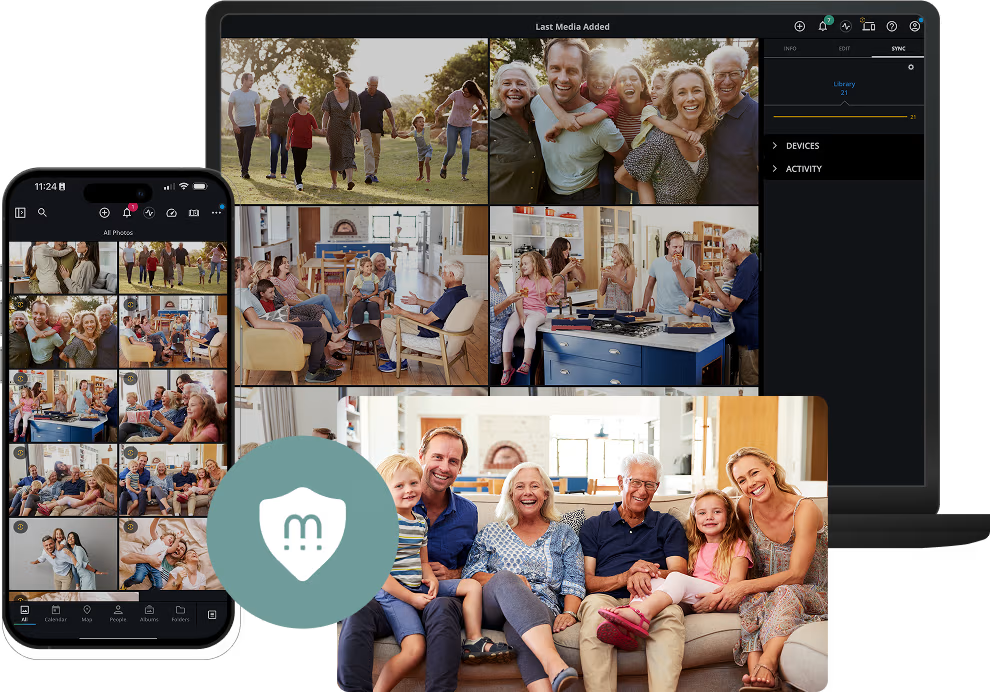
Every Photo is Safe and Easy to Find

Without Mylio

Photos are stored on phones, laptops, and scattered folders with no unified security.
One failure, loss, or theft can erase years of memories.
Cloud-only plans add cost and still leave you guessing what’s actually backed up.

With Mylio

Every new photo is automatically protected — no manual copying or exporting required.
Originals with metadata stay on
your devices (Mylio Vaults).
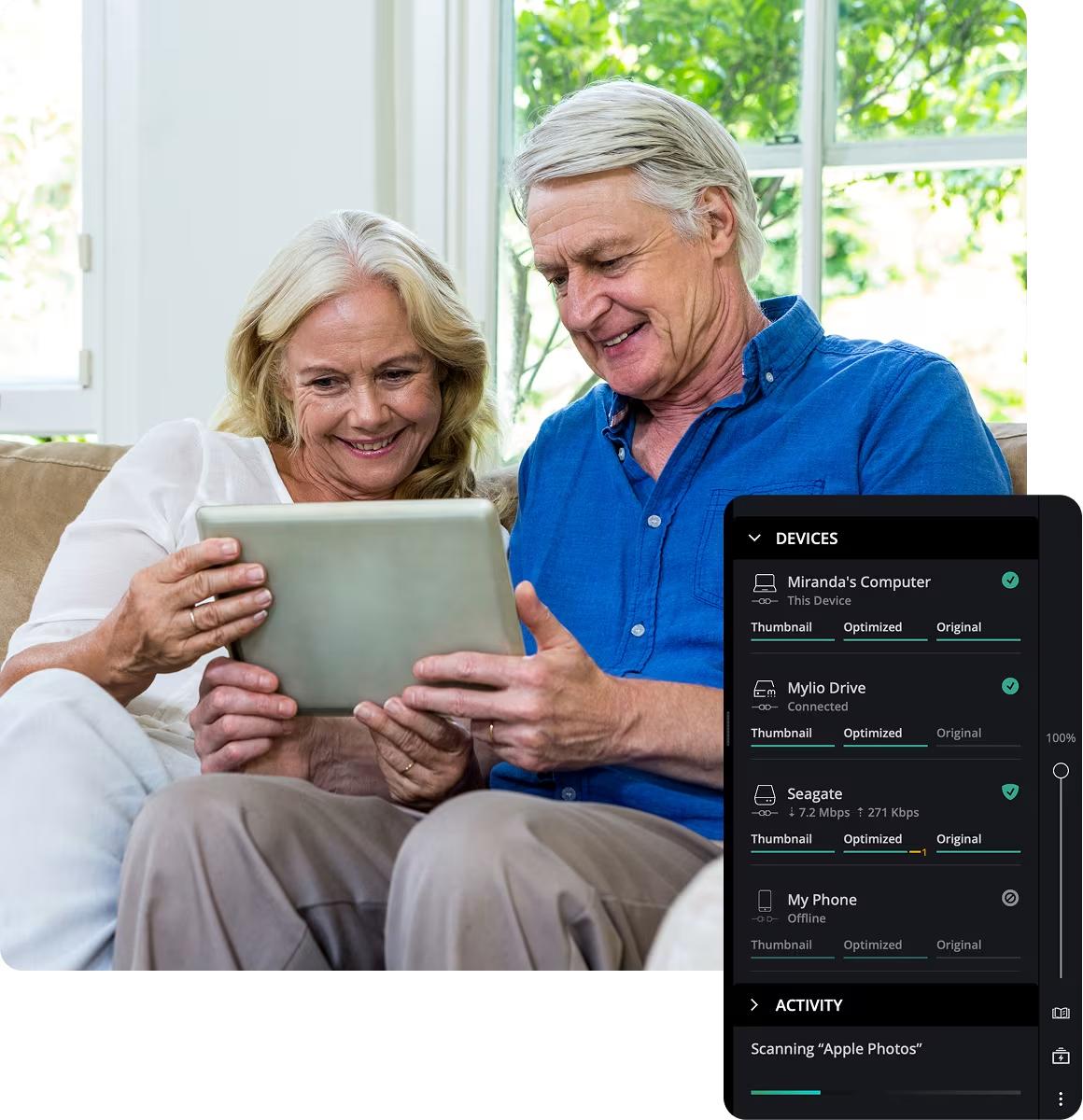
Clear status shows what’s protected and what needs to be added to your vaults.
How it works
Your originals stay safe in designated Vaults, while your devices sync privately and securely—automatically, and under your control.
Vaults keep originals—automatically.
Choose one or more devices as Vaults (your computer, an external drive, or an optional encrypted cloud). A Vault holds a complete copy of your library, and Mylio keeps it current in the background.
Devices and Vaults sync securely over the internet. You approve every device that joins your “private circle.”
Know when you’re fully protected.
The Dashboard highlights unprotected images until they are stored in the Vaults. When the list is clear, your backup is done.
3-2-1 backup — made easy with Mylio
That’s the industry-standard approach. With Mylio, it’s simple: set your computer and an external drive as Vaults, then add an offsite Vault (a second drive stored elsewhere or an encrypted cloud). Mylio keeps all three copies of your library up to date automatically.
3 copies
2 different devices/media
1 offsite copy

Why choose Mylio for backup
Mylio keeps your original photos safe with automatic, private backups—on your terms, using the storage you trust.

Set-and-forget safety
Designate Vaults once; protection continues in the background.

Your storage, your rules
Use computers, external drives, and an optional encrypted cloud for offsite.

Private by design
Only approved, signed-in devices can read your library.

Clarity, not guesswork
Built-in status shows protection at a glance.
Get started with Mylio
Mylio Photos is the privacy-first media library for your personal, family and business media, including photos, videos and even documents. Get started with Mylio today.
Mylio Personal
Includes:

Unlimited photos, videos, docs
Individual and Family plans
Personalized setup
...and more
Mylio Business
Includes:
Unlimited photos, videos, docs
Individual and Team plans
Dedicated account manager
...and more
Billions of moments. Real stories.

“I plugged in a 5 TB external drive, marked it as a Vault, and stopped worrying. New photos from our phones show up there without me doing anything.”
Kat K.
Photographer & Mom

“After a laptop was stolen, we rebuilt the library from our Vault in one afternoon.”
Jasmine R
School Admin

“We keep a second Vault at the office and another drive offsite. If a laptop fails, nothing is lost—Mylio already put the originals on both drives.”
Victor P
Small Business Owner
Frequently asked questions
Featured in: