
Media Asset Management Software for Media Consultants
Organize and deliver client media libraries with a professional workflow.
Manage photos, videos, and documents for multiple clients from one unified media library.
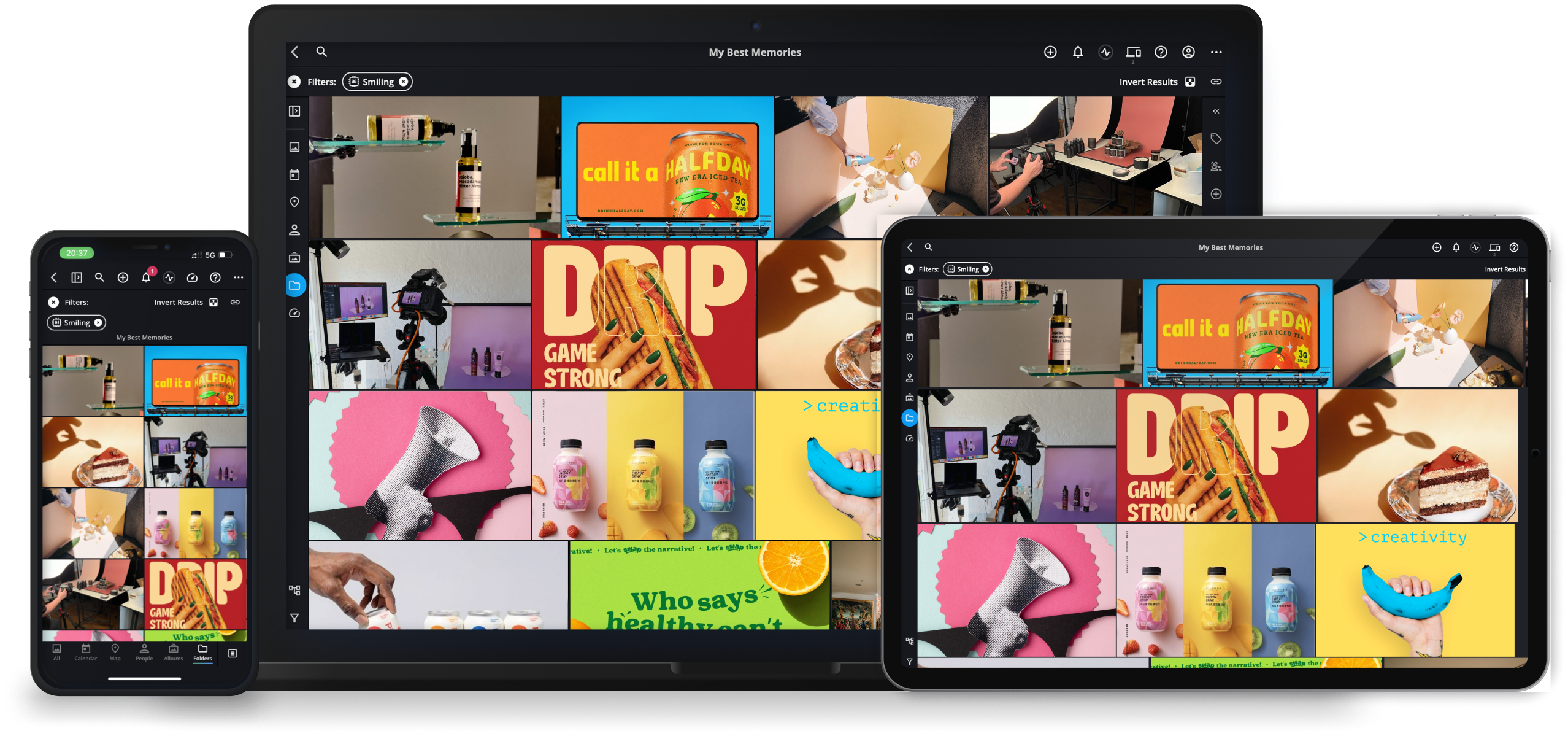
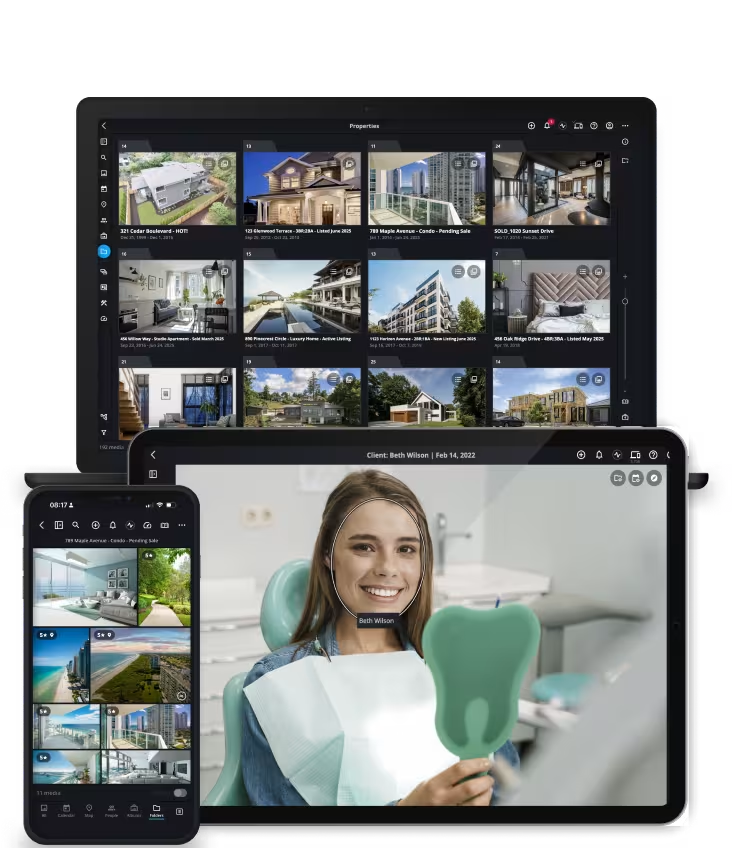
Designed for Media Consultants

Organize and maintain structured media libraries for multiple clients from one system

Consolidate photos, videos, and documents before delivering organized archives to clients

Provide long-term media asset management services without duplicating files across drives or cloud platforms
Managing Client Media Libraries Across Multiple Systems Is Difficult
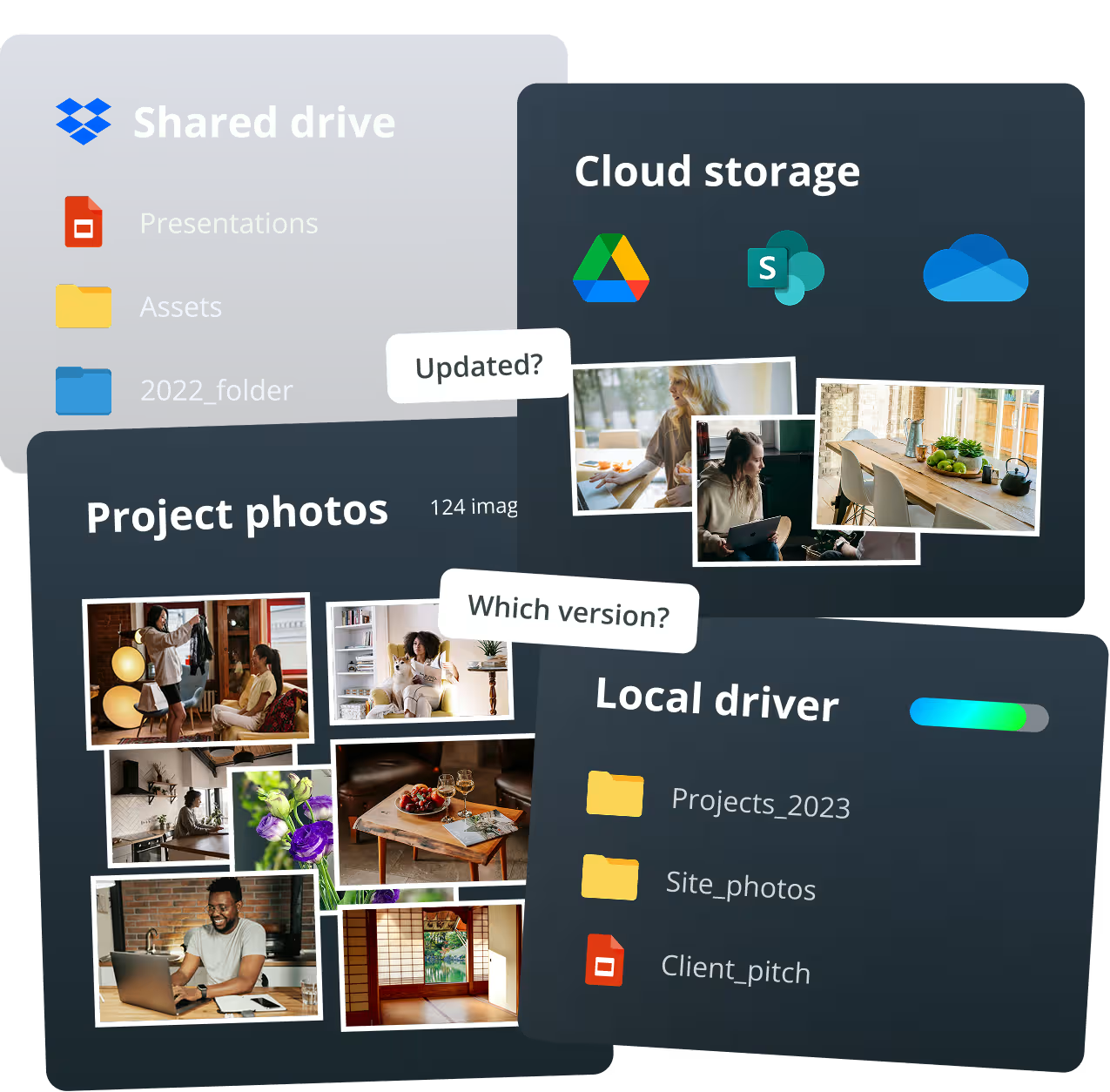
Media consultants often receive photos and videos from many sources - client drives, cloud folders, hard drives, and mobile devices.
Without a unified system, organizing large media libraries for multiple clients becomes time-consuming and difficult to maintain. Each project can arrive with inconsistent folder structures, missing metadata, and duplicate files.
See how media consultants organize and deliver client media libraries in this brief video
Consolidate. Control. Deploy.
CONSOLIDATE all your visual assets in one unified library
Multiple sources and devices, all synchronized.
DEPLOY product media to every rep instantly
Deploy photos, videos, and business documents across every device – online or offline.
Top 5 Questions Media Consultants About Photo Management
Common questions nonprofit teams ask when organizing and managing large photo libraries.
Top 5 Video Feature Demos
Feature 01
Unified Client Media Library
What it is
Mylio connects photos, videos, and documents from computers, drives, and cloud storage into a single searchable media library.
Why it matters
Media consultants often manage assets across multiple clients and storage locations. A unified library keeps every asset organized and accessible without forcing files into a single cloud system.
Feature 02
Powerful Search and Filters
What it is
Search across keywords, captions, file names, and metadata to instantly locate specific assets
Why it matters
Consultants can quickly find client photos, video footage, or campaign materials without manually browsing folders or drives.
Feature 03
Spaces and Permissions
What it is
Spaces allow consultants to control what different collaborators or clients can see within the media library.
Why it matters
Consultants can separate media libraries by client or project while still managing everything within one catalog.
Feature 04
Professional Metadata and Tagging
What it is
Add structured keywords, captions, and metadata directly to files.
Why it matters
Metadata ensures client media remains organized and searchable as collections grow over time.
Feature 05
Flexible Storage and Backup
What it is
Mylio allows consultants to store original media files on local drives, NAS systems, or cloud backups while managing everything through one unified catalog.
Why it matters
Consultants maintain full control of client assets without locking media inside a proprietary cloud platform.
Support and community

Get started today
Guided onboarding. Live support.
Featured in: