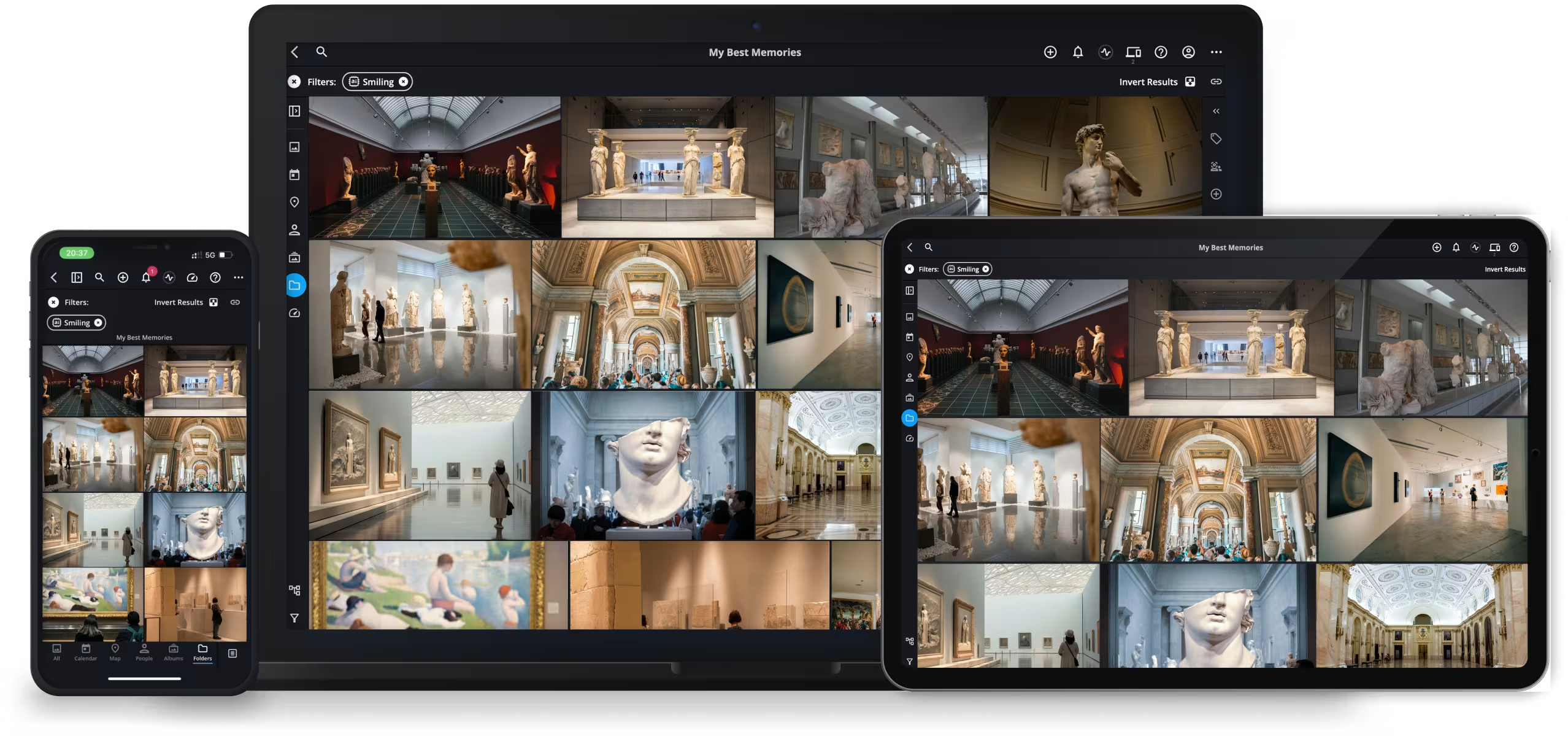
The ultimate decentralized digital asset management (DAM) for high-velocity teams
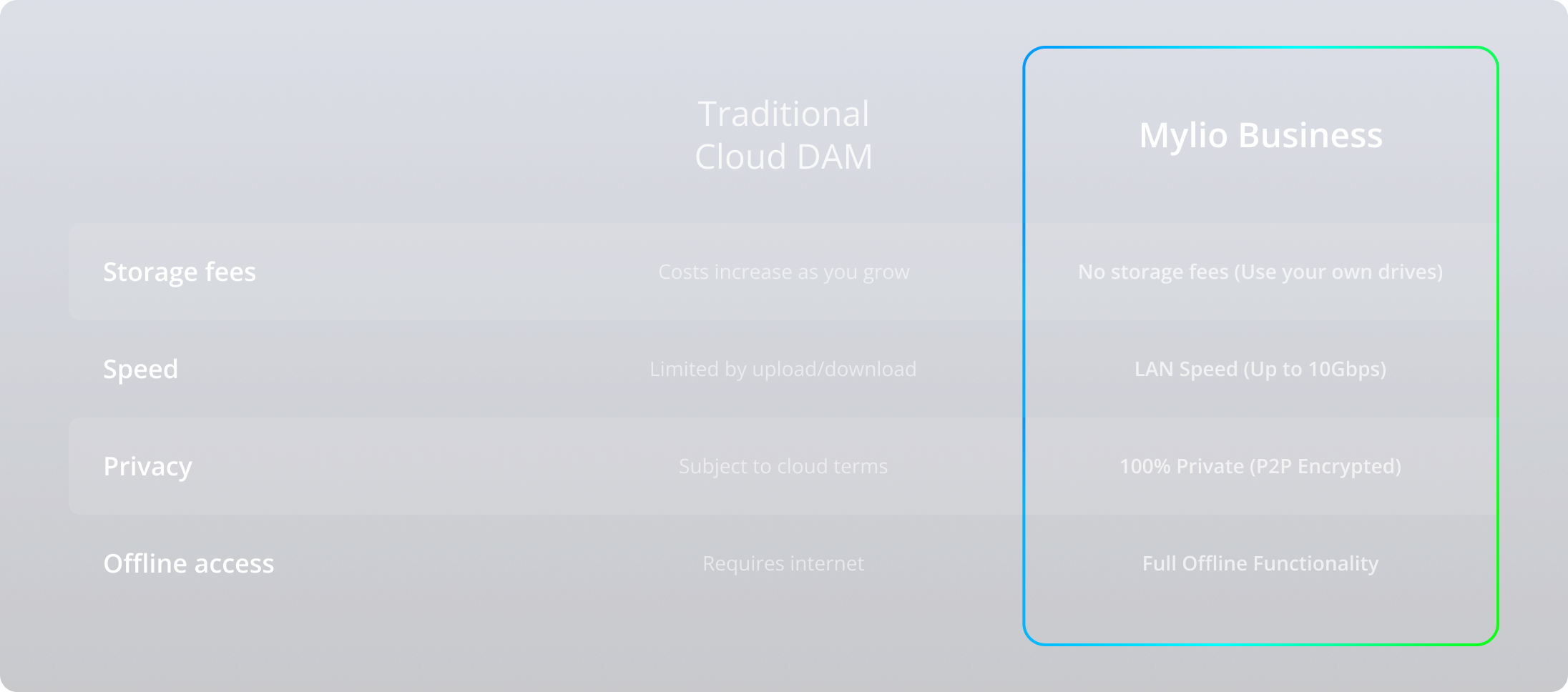
Mylio Business is the only media management tool designed to sync millions of photos, videos, metadata and documents across your private devices without the speed bottlenecks, privacy risks, or monthly "cloud tax" of traditional storage.
Engineered for media-heavy workflows where speed and asset security are non-negotiable

For curators
Make your collection more accessible to the public. Maintain photo and video displays that show just what you want people to see. Maintain 100% offline sovereignty over your digital catalog.
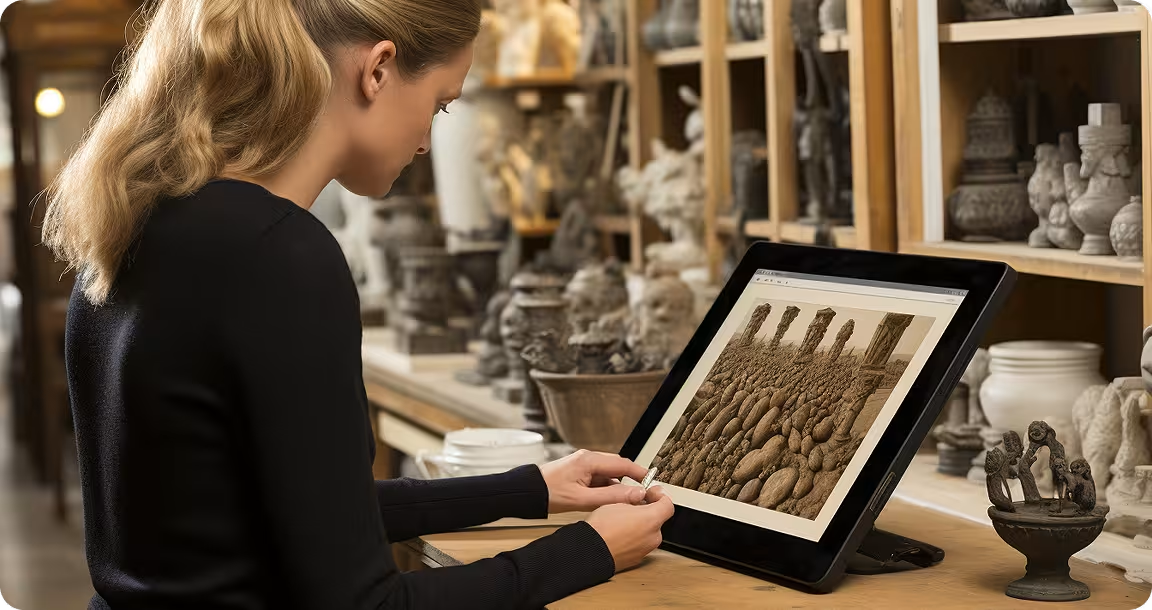
For the collections manager
Built for Cultural Heritage. Maintain your collection digitally, and add in any paperwork, legal documents, or related geotags to your photos of a physical museum object.

For the program coordinator
A tool for Community engagement. Easily access event documents, videos, and photos from a curated collection, helping put together new memories and future events in any museum environment.
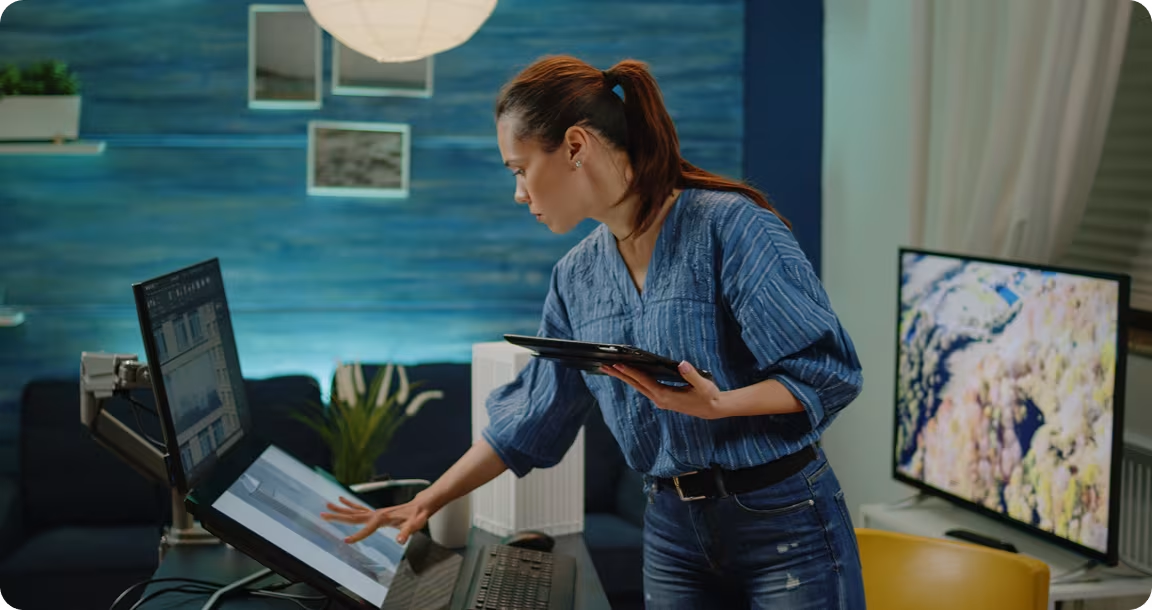
For the digital technologies specialist
Enhance your Digital Preservation. Maintain archival standards with robust XMP metadata, OCR for documents, and 100% offline sovereignty over your historical records.
Why choose Mylio
Privacy-First Sync
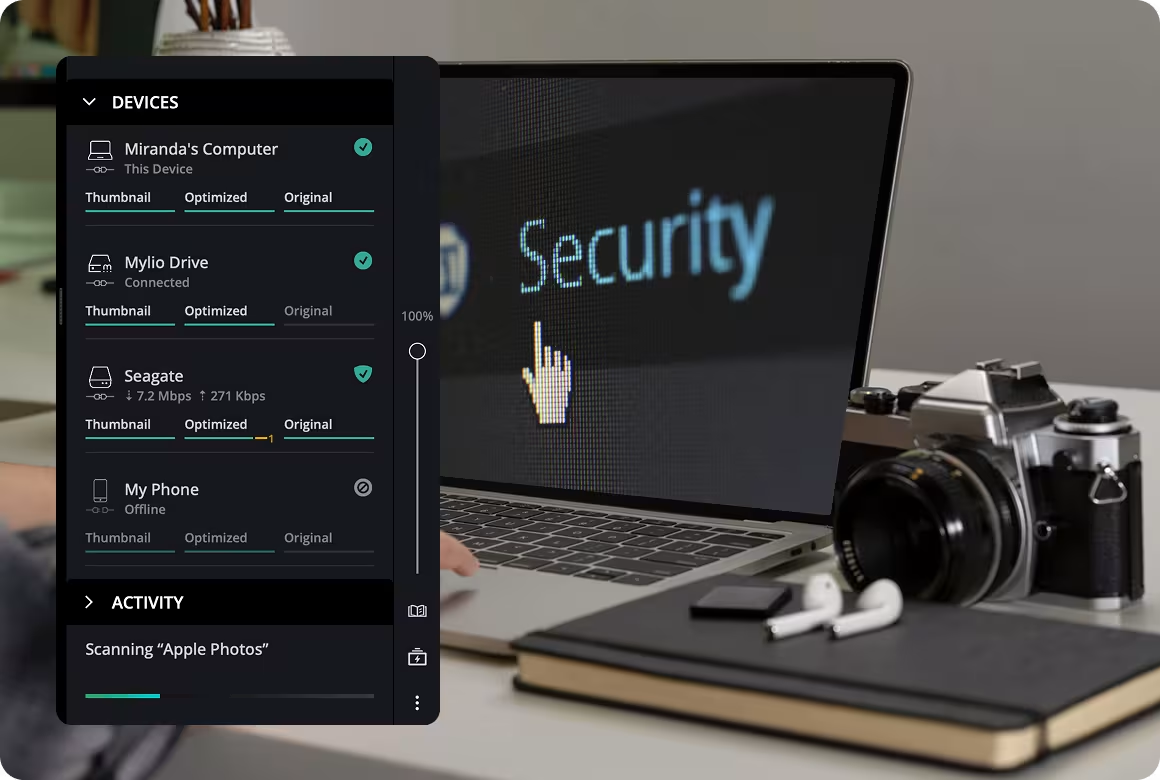
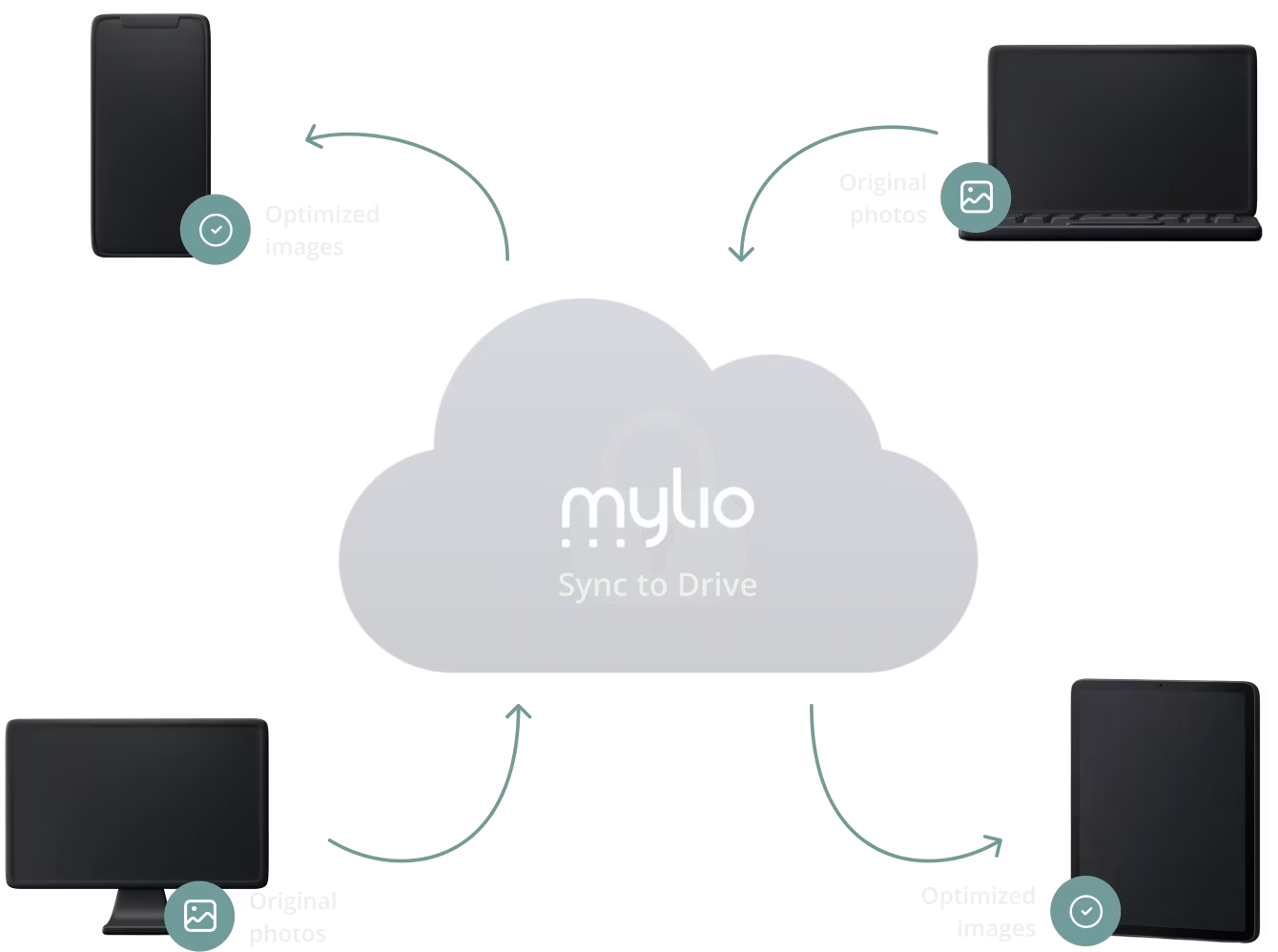
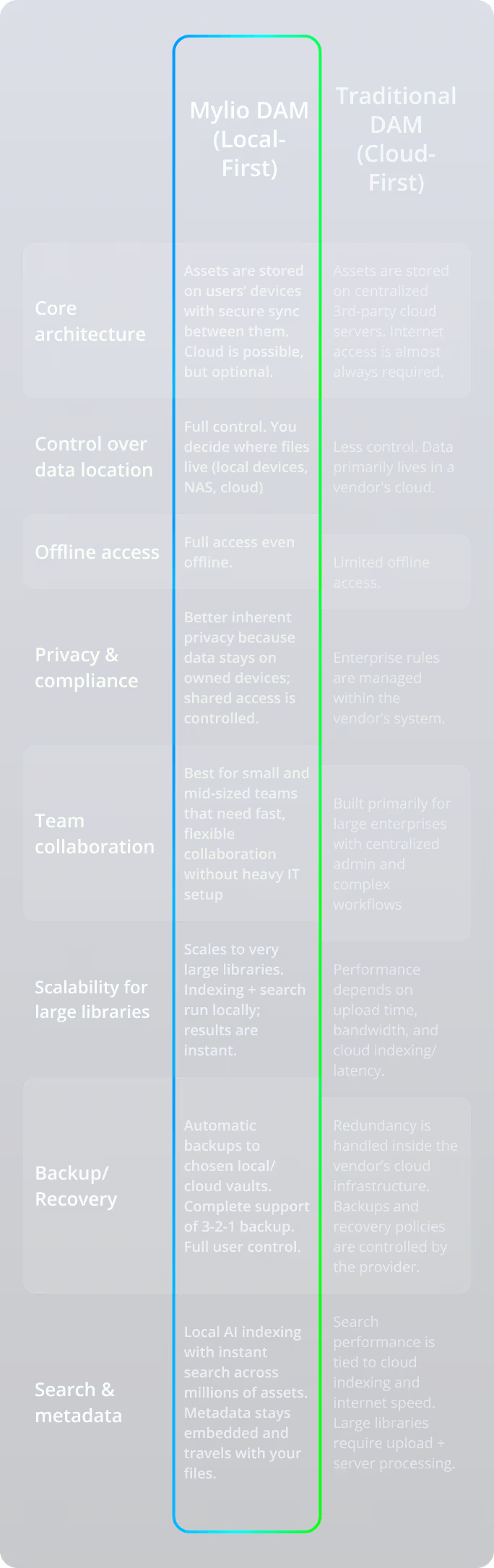
Protect sensitive corporate assets. Use Peer-to-Peer (P2P) technology to sync your media over your own private network. Your files go where you choose. Only on servers you choose. If you want to backup up your master libraries on Clouds (such as Amazon S3, or Google Drive), you can choose that too.
Automated AI Organization
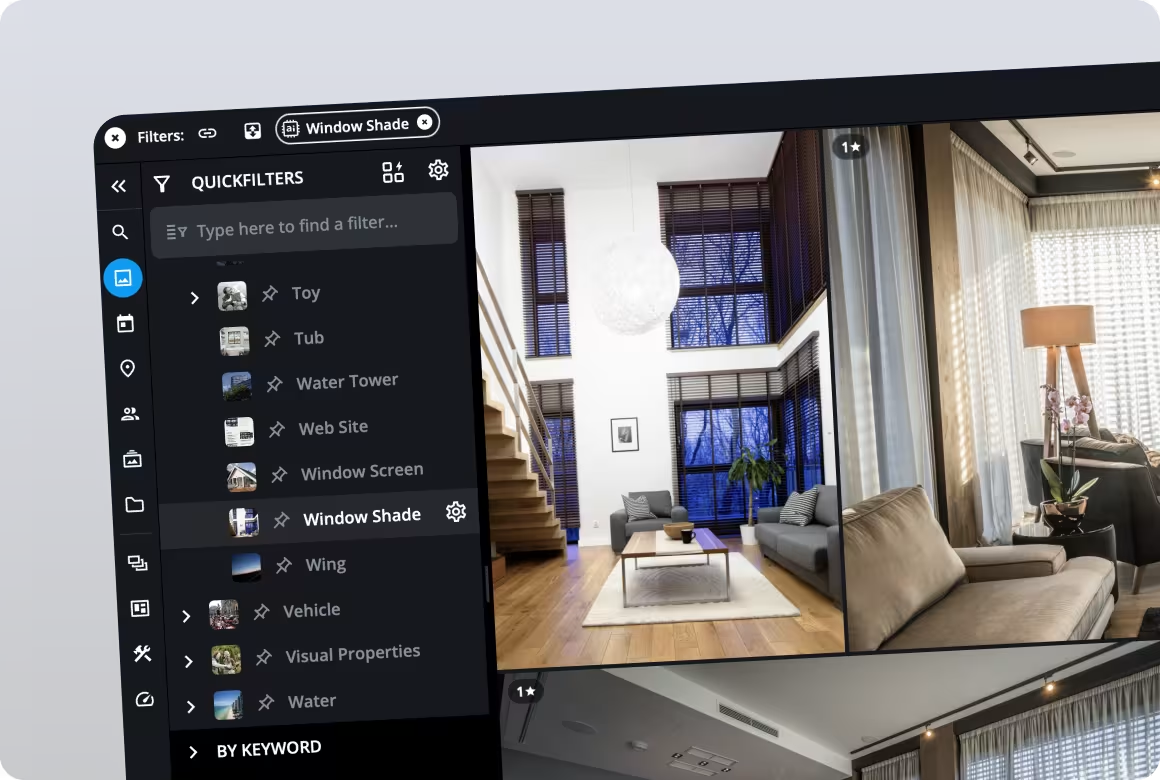
Stop wasting hours searching. Mylio’s Smart Search can easily track and narrow down specific metadata to give you the results you need. Use AI Face Recognition to find one specific photo in a library of millions in under 3 seconds. These LLM features make your digital museum storage more efficient and user-friendly.
Universal Metadata Support
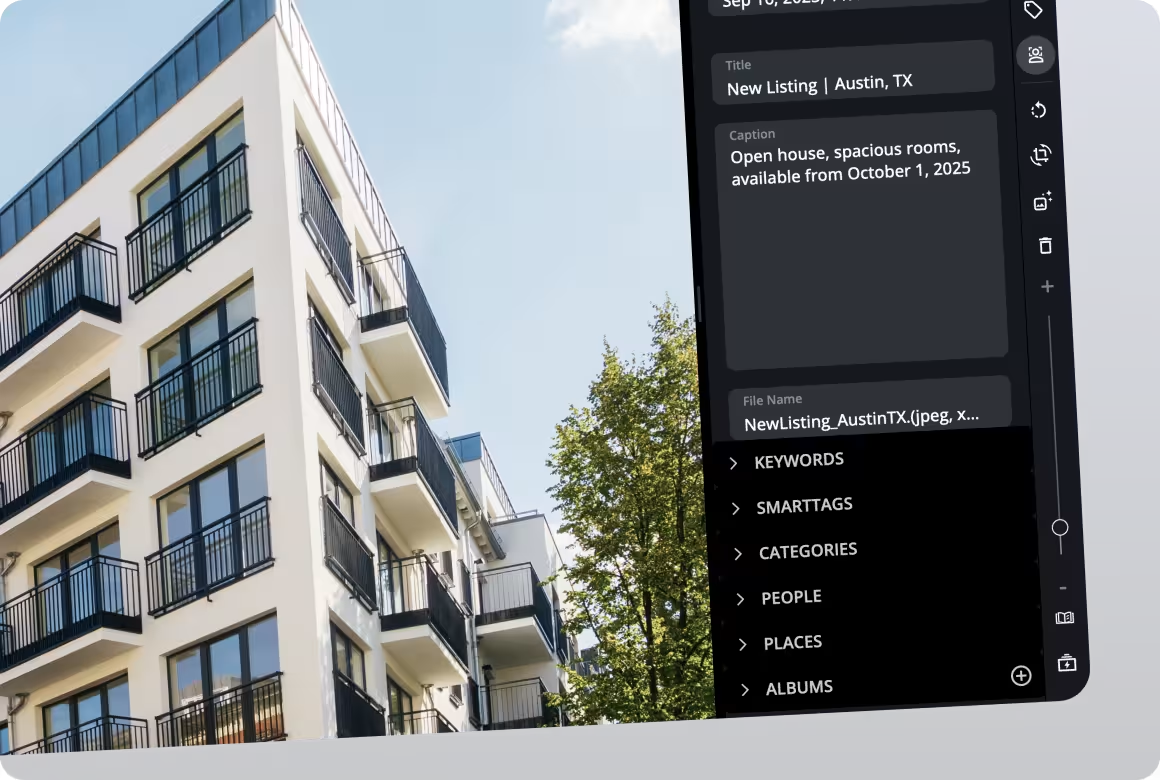
Full support for IPTC, XMP, and EXIF. Keep usage rights, watermarks, and copyright embedded in every file - wherever it goes. Metadata travels with your files across all formats and outputs, so you can easily track ownership and permissions when sharing photos and videos publicly.
Cross-Platform Mobility
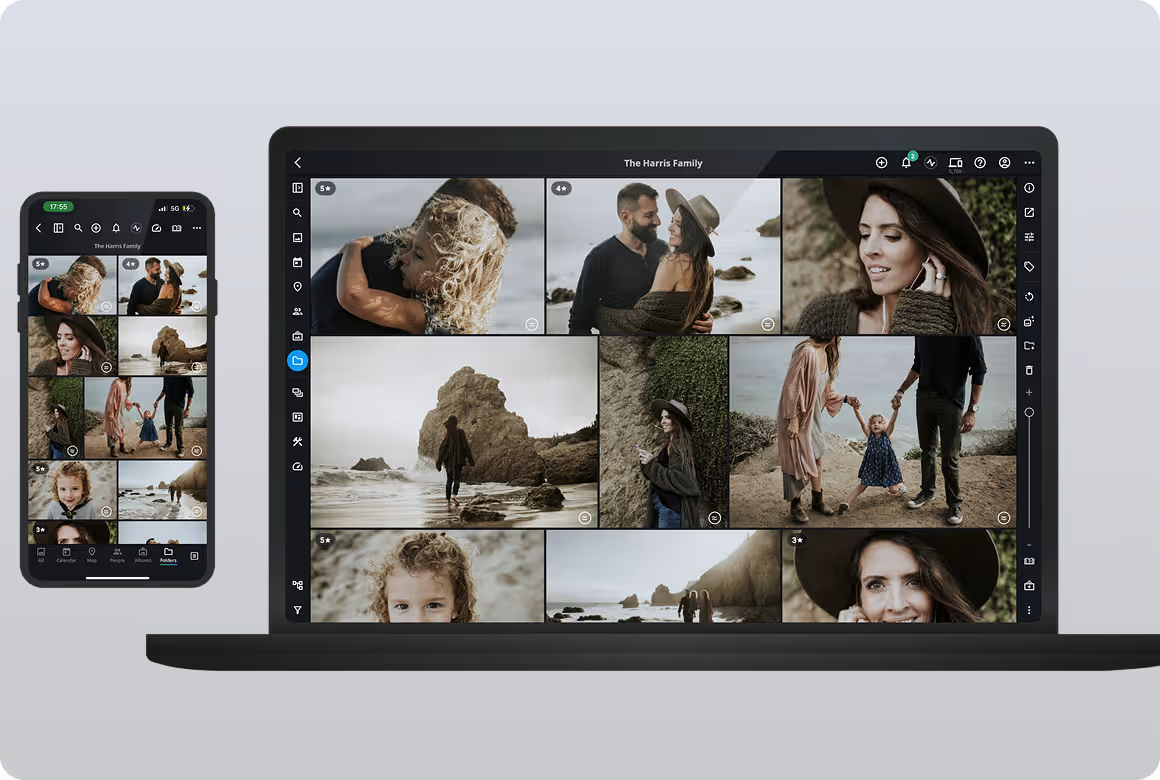
Your entire library - photos, videos, and PDFs - in your pocket. Optimized "Previews" allow you to carry a 10TB library on a 128GB smartphone.
Seamless Sync.
Secure Backup.
Through the whole workflow: know that Mylio is automatically synchronizing and backing up all your photos, videos and documents consistent with the architecture you set up.
The freedom to scale
Top Questions Museum Teams Ask About Managing Collection Media
Top 5 Video Feature Demos
Feature 01
Unified Media Library
What it is
Mylio connects photos, videos, and documents from every device and storage location into a single searchable library.
Why it matters
Manufacturers often store assets across drives, servers, and cloud platforms. A unified library allows teams to manage everything from one place.
Feature 02
Powerful Search and Filters
What it is
Search across keywords, metadata, file names, and even text inside documents.
Why it matters
Marketing, engineering, and sales teams can instantly locate product assets without digging through folders.
Feature 03
Spaces and Permissions for Museum Teams
What it is
Spaces allow administrators to control what different teams can see and access inside the library.
Why it matters
Marketing, sales, engineering, and external partners can all access the content relevant to them without exposing the entire archive.
Feature 04
Professional Metadata and Tagging
What it is
Add keywords, captions, and structured metadata directly to your files.
Why it matters
Metadata ensures product photos remain organized and searchable across teams and over time.
Feature 05
Map and Calendar View for Collection Browsing
What it is
Mylio includes visual browsing tools that allow museum staff to explore collections by location or time.
Why it matters
Museum collections often include field documentation, excavation photography, traveling exhibits, and historical collections tied to specific places or periods.
Staff can browse collections by:
- where artifacts were photographed or discovered using Map View
- when items were documented using Calendar View
- timelines of exhibitions, research projects, or digitization work
These visual tools help researchers and curators quickly explore large collections without relying only on folders.
Support and community

Get started today
Guided onboarding. Live support.
Featured in: