
The Mylio Post-Sales Support Ecosystem
Learn, connect, and get help — through our manuals, community, and technical support system.

Comprehensive Educational Resources (Manual & App)

The "Mylio Photos
How To Guide"
A searchable documentation hub with step-by-step guides from setup to advanced metadata management and syncing.

In-App
"Learn Panel"
Users can access educational content directly within the application without switching to a browser. It includes a "Guided Help" overlay to orient new users.

A structured, self-paced video course available to users to ensure they understand core concepts like "Vaults," "Source Folders," and "Syncing."
Live Events & Webinars
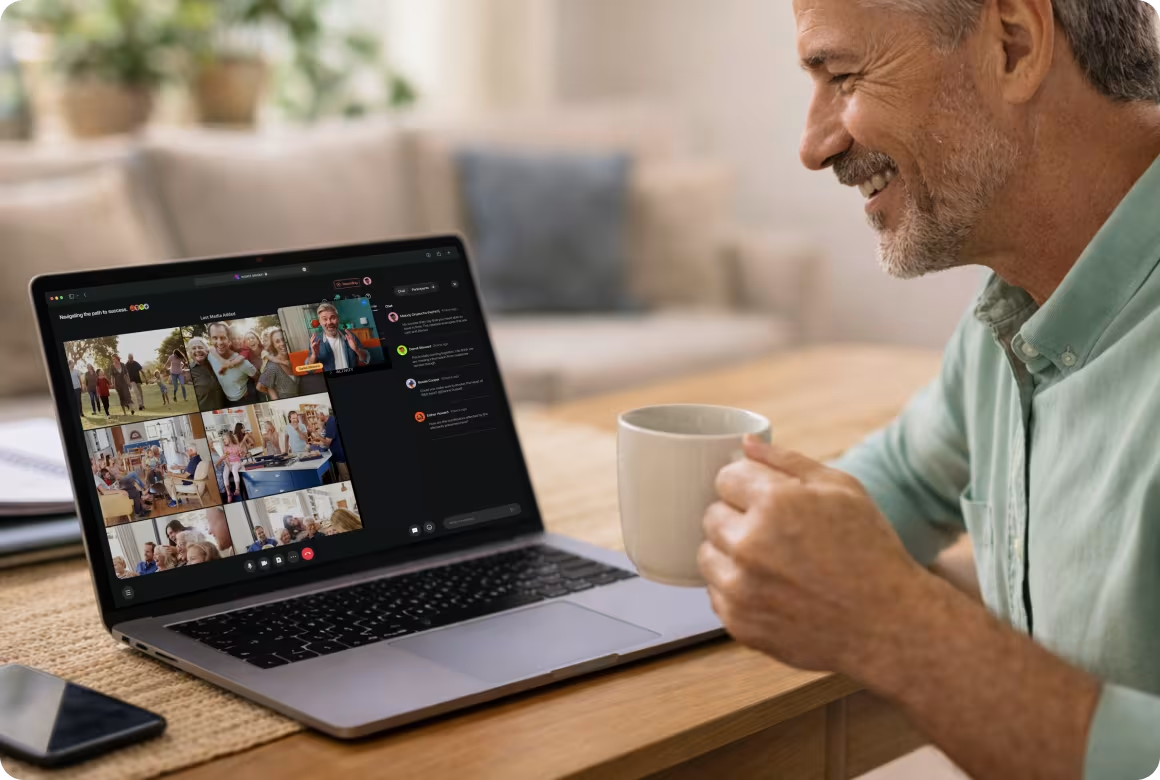
The community hosts regular "Live Q&AReady, Set, Go!" sessions and themed webinars (e.g., family history, photo organizing) where users can learn live from Mylio experts.
Peer-to-Peer Networking
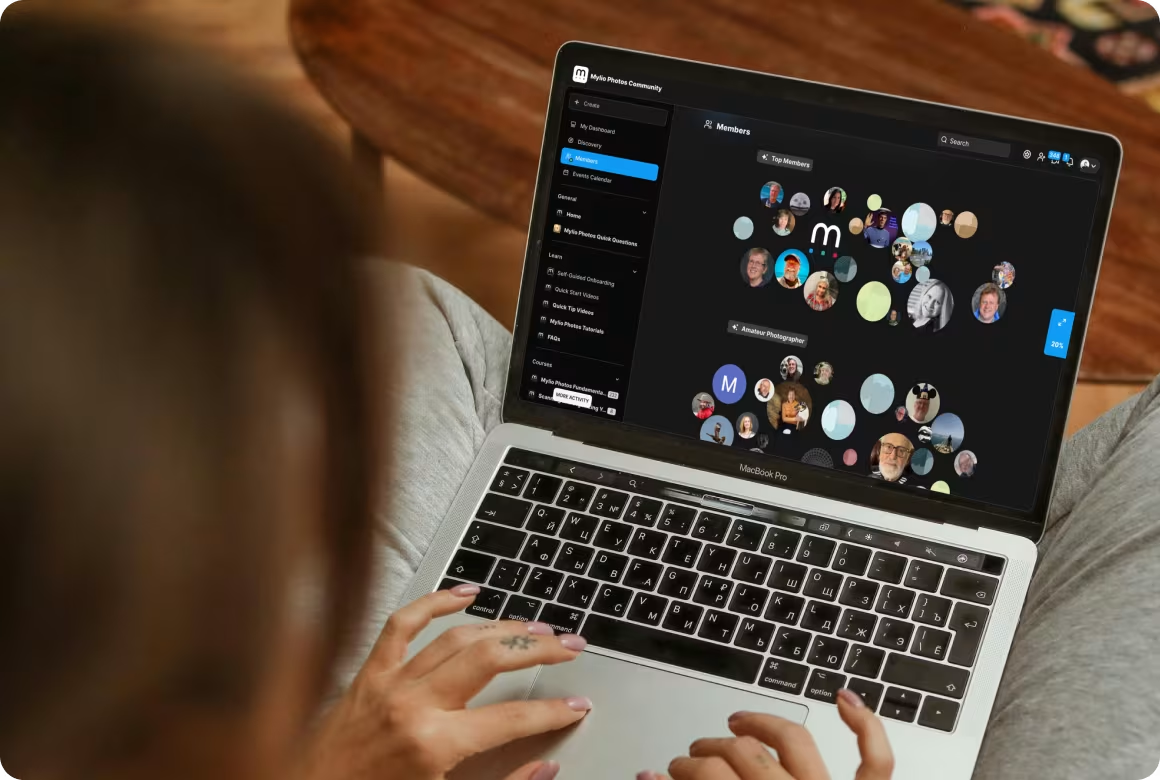
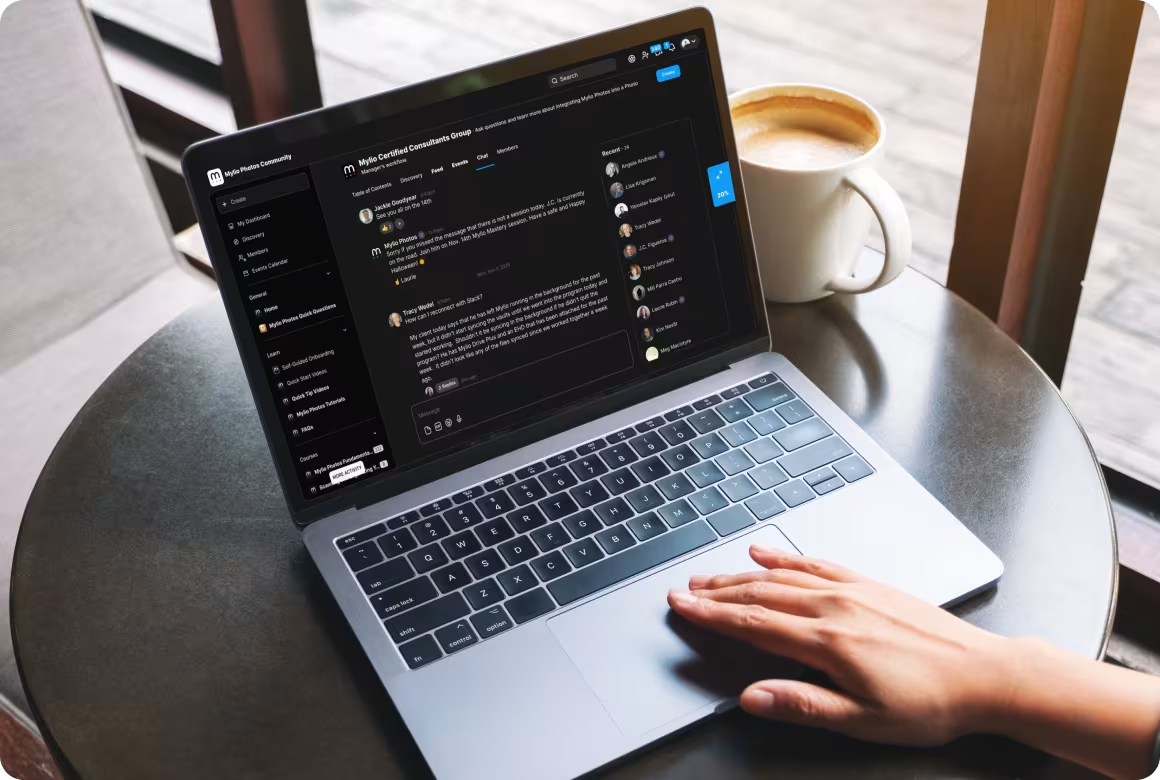
A social-style forum where users share workflows, creative ideas, and success stories, allowing new customers to learn from the real-world experiences of veteran users.
Direct Access to Experts
Technical Assistance & Troubleshooting

"Len" AI
Support Agent
A 24/7 AI assistant available via chat that references the entire manual and knowledge base to provide instant answers to technical questions.

Human
Support Tickets
If the AI cannot resolve an issue, users can escalate to a human agent and contact support via the in-app Help menu to "Submit Logs" for device-specific diagnosis.

System Health Dashboard
The app includes a "Dashboard" and "Sync Panel" that provide real-time status updates on library health, helping users self-diagnose syncing or storage issues.
Ongoing Value & Updates
Regular Feature Releases
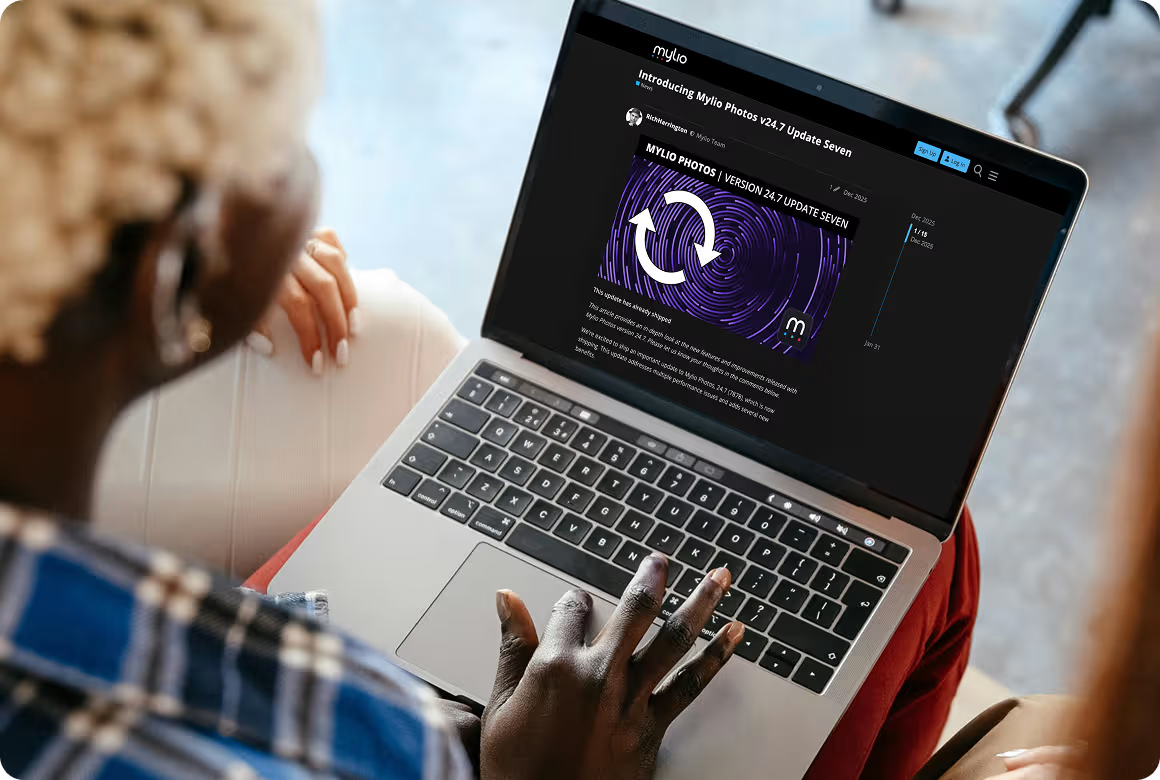
Post-sale support includes continuous software updates. The manual and community provide detailed "Release Notes" so users can stay informed about new tools and performance improvements.
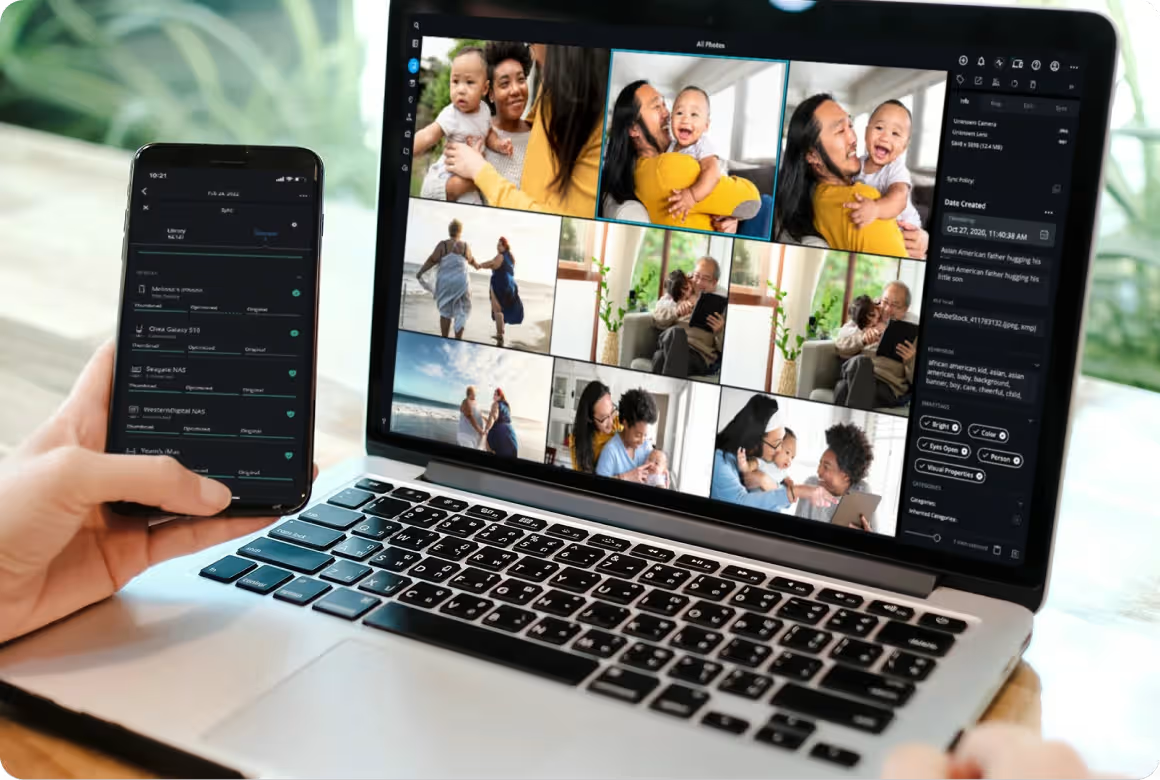
Platform Flexibility
Support covers a wide range of ecosystems, including macOS, Windows, Android, and iOS, ensuring users have a consistent experience across all their hardware.





Featured in