
Space-Smart Photo Library
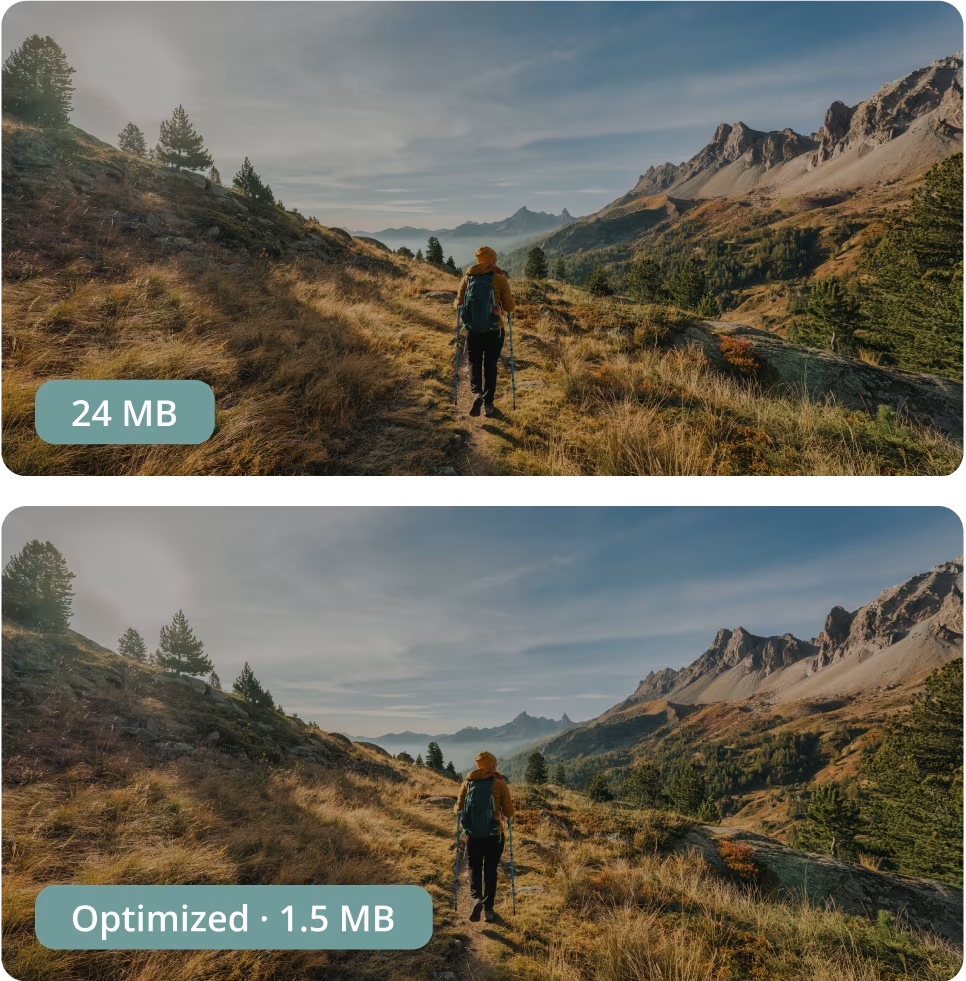
Fit hundreds of thousands of photos on a smartphone without taking up extra space

Without Mylio

Phones fill up fast with large media files
You’re pushed to upgrade cloud plans
Deleting or moving files creates a mess
Photos on your phone are only a fraction of your collection

With Mylio

Keep compact copies on devices with less storage
Originals stay protected on designated vaults
View, search, and edit your entire library—anywhere
No forced cloud upgrades to “make room”
Optimized images carry all the metadata
I keep an 800,000-plus photo library — over 1.5 TB of originals — instantly accessible on my phone and iPad without filling them up. Many Mylio customers browse 3–4 million photos on everyday devices just as easily.


How Mylio works
Mylio makes three versions of each photo and lets each device store only the version you assign to it. You can download the original photo at any time from any device.

Original
The full-quality file (e.g., ARW, JPEG, HEIC) stored on a drive or computer connected to Mylio.
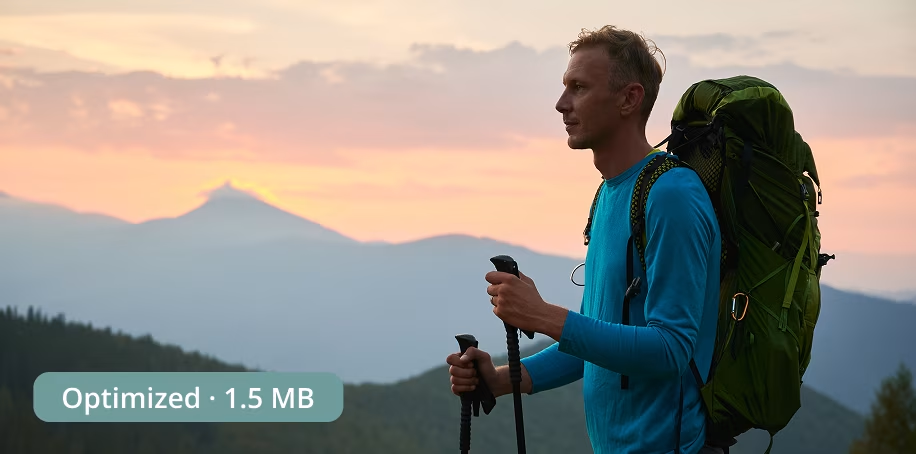
Optimized image
A high-quality, fully editable version (~1 MB or less) that’s ideal for viewing, sharing, and small prints.
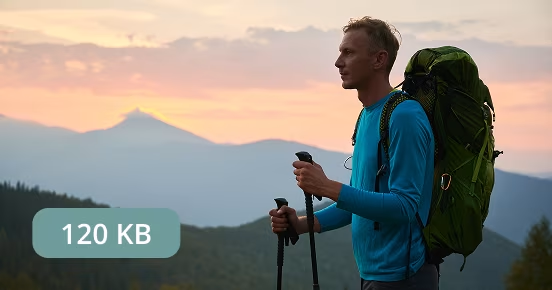
Thumbnail
Tiny preview used for browsing —almost no space.
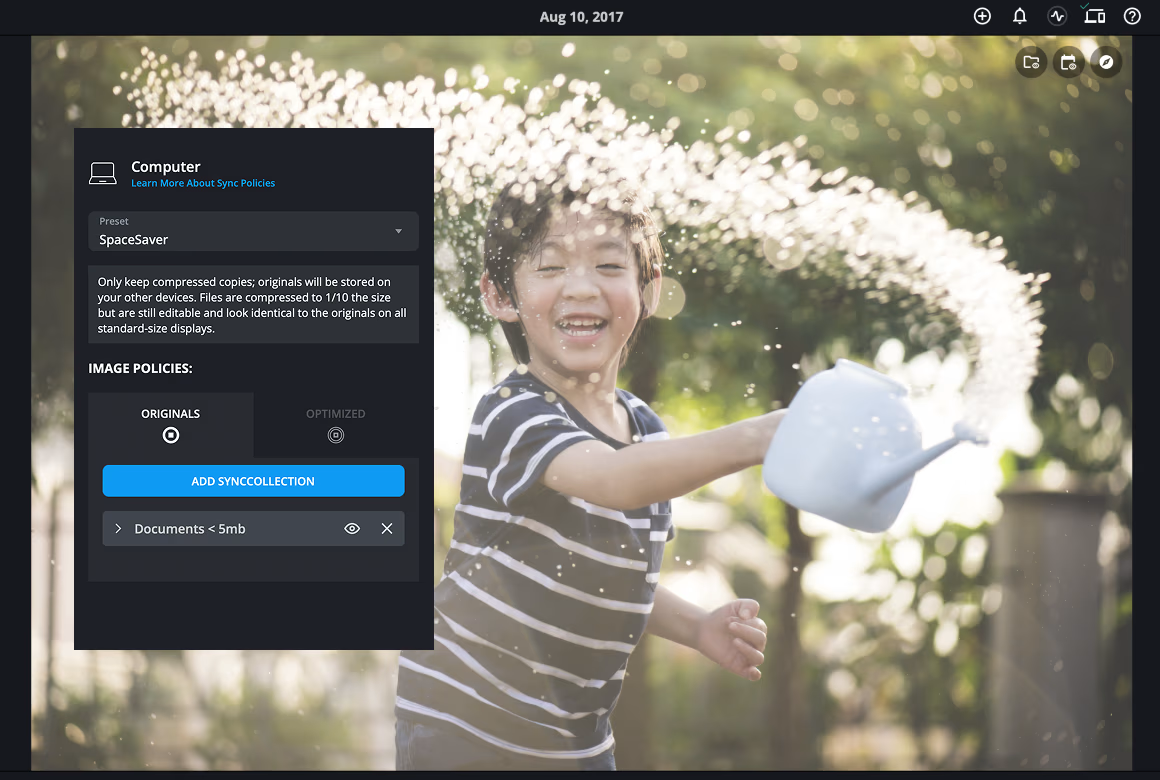
Set sync policies for every device.
The default SpaceSaver policy retains thumbnails, plus as many Optimized images as your storage setting allows; originals are stored on your Vault drives (such as an external drive or a computer with enough storage space). You can change this per device at any time.

Get an original file quickly when you need it.
You can select multiple photos or folders and choose “Make Originals Available on This Device” to bulk-download all originals.
Tap-to-Sync technology also lets you pick one or more folders to be stored at full-quality on any device.
Why Mylio?
Keep your entire photo library accessible, editable, and under your control — without relying on the cloud or running out of space.

Big library, small footprint
Optimized images keep the whole collection accessible on devices with less storage.

Your storage, your choice
Designate local or cloud drives as vaults and never worry about losing your originals.

Edit, Print, Share
Optimized images carry all the metadata of the original photos.

No forced cloud plan
Keep access to all your photos without paying for extra cloud storage.
Get started with Mylio
Mylio Photos is the privacy-first media library for your personal, family and business media, including photos, videos and even documents. Get started with Mylio today.
Mylio Personal
Includes:

Unlimited photos, videos, docs
Individual and Family plans
Personalized setup
...and more
Mylio Business
Includes:
Unlimited photos, videos, docs
Individual and Team plans
Dedicated account manager
...and more
Billions of moments. Real stories.

“I used to delete photos to make room. With Mylio, my 90,000-photo library lives on my phone as compact copies, and the originals sit on an external drive.”
Rita V
Parent & Family Memory Keeper

“Our staff laptops stay light. Optimized images are enough for day-to-day work; originals are on the office Vault drive if we ever need them.”
Elise D
Small Business Admin

“We shoot RAW on trips. I can rate and edit on the plane using the smaller files, then the home computer updates the originals when we’re back.”
Ken P
Travel Enthusiast
Frequently asked questions
Featured in: