
Share your family’s photos — privately, across generations.
Mylio lets you build a shared family photo library that spans parents, kids, and grandparents—without surrendering your memories to a public cloud. Invite guest devices, set roles & permissions, and curate together with privacy-first software.

Invite guest devices with an easy wizard.

Fine-grained roles and permissions for each person and device.

Private by design: local-first, peer-to-peer connection.
The Problem and The Solution

Without Mylio

Photos are scattered across many devices.
No trusted family photo timeline to relive the story.
Sharing may lead to personal details leaking.
One lost phone can take a decade of memories with it.
Children often lack access to their family history.
Duplicates make important moments easy to miss.

With Mylio

One private family photo library.
A family history timeline that everyone can enjoy.
Family-only access; personal metadata stays private.
Kid-safe views for children, grandparents, etc.
All family photos are protected and backed up.
Less clutter, more joy.
How Private Family Sharing Works

Invite family as Guest Devices
Use the Invite Wizard to add a guest device (child’s phone, grandparent’s tablet). Mylio pre-applies a Space and sync policy, so the right photos appear on the right device.

Set Spaces, Roles & Permissions.
Create Custom Spaces (e.g., “Family,” “Kids Only,” “Family History”) and apply user role presets, such as Child, Teen, Viewer, or Family History Collaborator. Manage views and tools so that each person only sees the photos they need.

Control each device.
From the Dashboard, assign a Space to any device and set Sync Policies. Enable Limited Access Mode to restrict capabilities on a guest device further. Manage everything centrally with Remote Control.

Share outside the app—with peace of mind.
Publish Shared Albums as non-indexed galleries (think “unlisted number”). Turn on SafeShare to remove location and other metadata, and optionally watermark exports.
Family Use Cases

For Grandparents
More smiles, fewer tech calls, and a steady stream of new memories to enjoy.
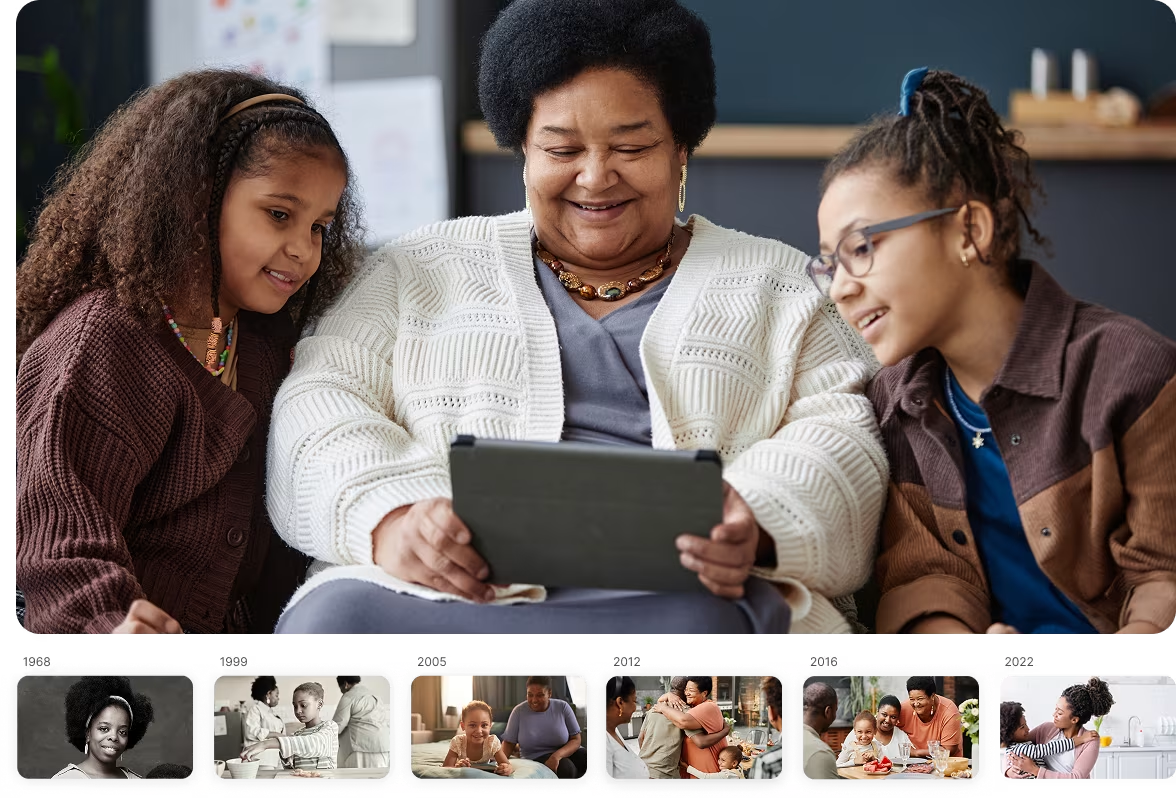
They open the app and the family’s latest photos are simply there — birthdays, first days of school, weekend games —without logins, links, or inbox hunting. Nothing confusing to tap, nothing they can accidentally mess up.
For Children
Deeper connection to family history, stronger sense of belonging.
They get the albums made for them — camp, team photos, baby pictures, old family trips, and even great-grandparents’ scans — so the family story feels real and close. They can favorite moments, add simple notes, and rediscover their origins.
For the whole family
A living, trustworthy family timeline that turns fragmented archives into a shared legacy.
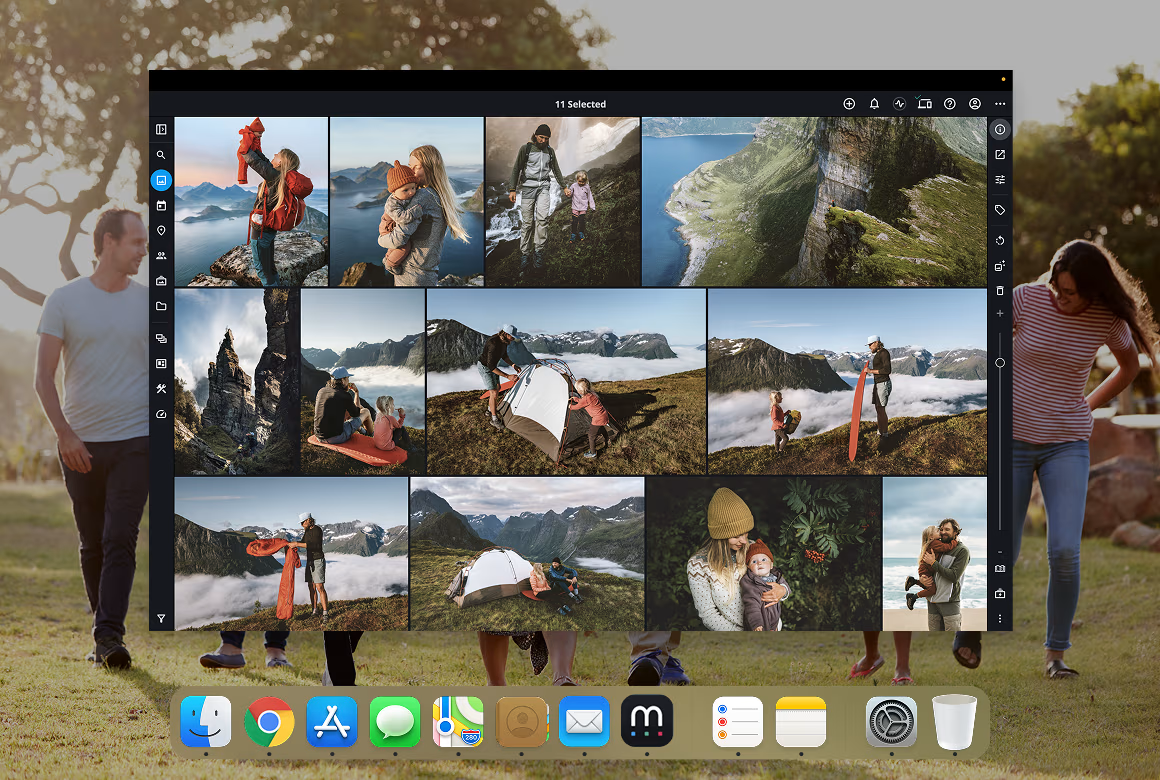
Siblings and cousins add scans from old shoeboxes while parents contribute captions and places. Uncertain dates still fall within the right era, so decades line up into a coherent family story that everyone can explore. No unsafe links, no scattered files.
Why Sharing with Mylio Is Private & Secure

Local-first
Peer-to-peer design reduces reliance on centralized servers. Encryption protects media in transit and at rest.

Mylio Drive
Provides unlimited encrypted storage of optimized images for access anywhere; Mylio Drive+ add-on stores originals privately with precision syncing.

Non-indexed shared galleries
Along with SafeShare, keep family locations and EXIF data out of public view.

Roles, passcodes, and device policies
Mean grandparents can browse freely while kids get safer, limited controls.
Get started with Mylio
Mylio Photos is the privacy-first media library for your personal, family and business media, including photos, videos and even documents. Get started with Mylio today.
Mylio Personal
Includes:

Unlimited photos, videos, docs
Individual and Family plans
Personalized setup
...and more
Mylio Business
Includes:
Unlimited photos, videos, docs
Individual and Team plans
Dedicated account manager
...and more
Billions of moments. Real stories.

“We invited everyone’s phones as guest devices and locked permissions by Space. Now Grandma browses safely, the kids can’t delete, and our library finally lives in one place.”
Elena & Mark H.
Seattle

“Shareable Links plus SafeShare let us send albums to extended family without revealing locations. It’s private sharing done right.”
Priya D.
Austin

“Remote Control is gold. I can help my parents’ iPad from my laptop—set their Space and sync exactly the photos they want.”
Jon R.
Chicago
Frequently asked questions
Private family photo sharing with Mylio
Сombines guest devices, role-based permissions, passcode-protected Spaces, and encrypted, local-first syncing into one seamless experience. Share via non-indexed galleries with SafeShare metadata removal, or invite relatives’ devices directly. Build a shared family photo library that’s secure, private, and made for the next generation.
Featured in: